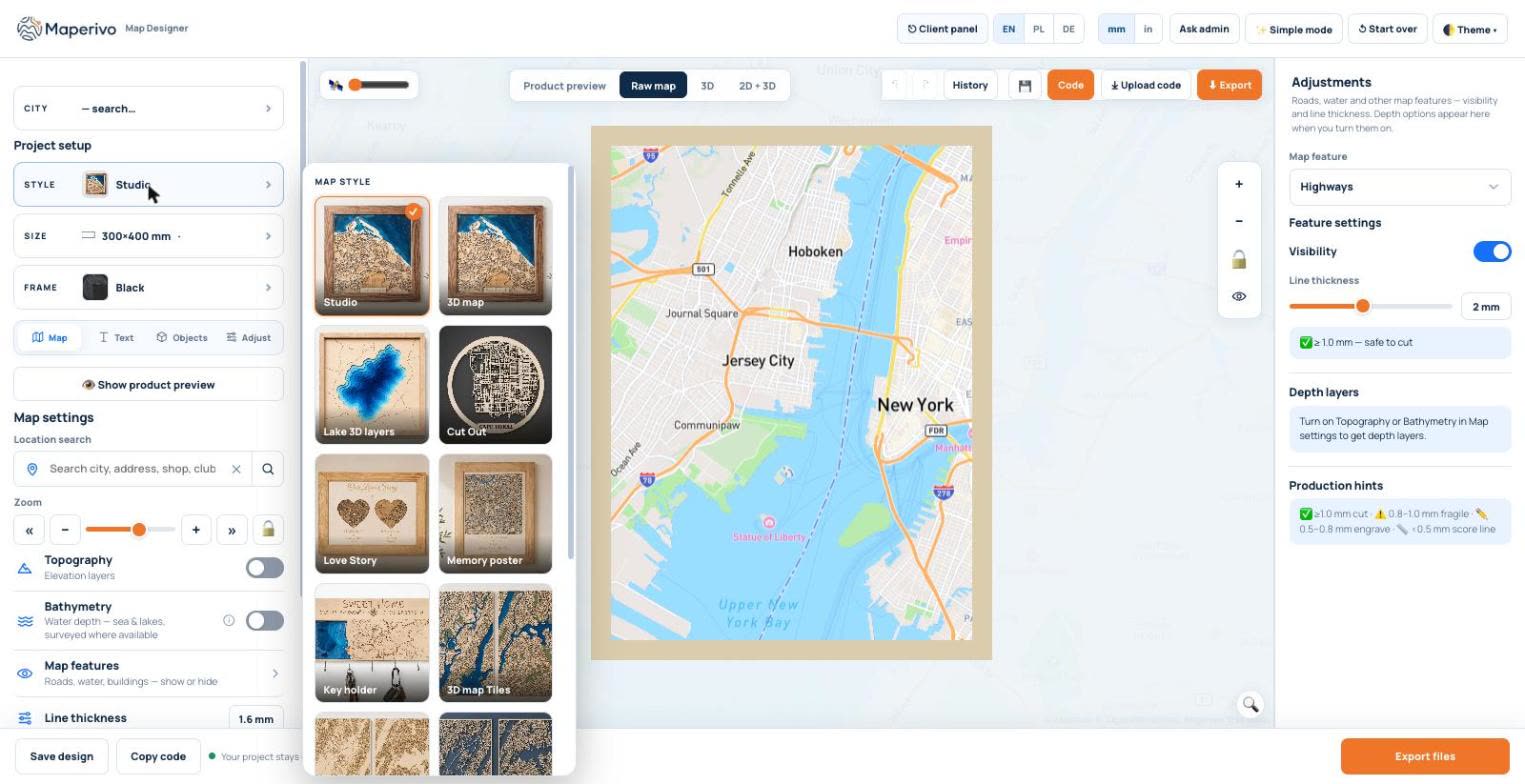
Plenty of tools turn a place into an SVG. Far fewer give you a file that cuts cleanly the first time, a product a customer will pay for, and a workflow you can repeat fifty times a month. This checklist is what we would test in any map software before paying for it, with the reason behind each point and a quick way to check it during a free trial.
Quick answer: the 12 points
- Line widths in millimetres, per road type.
- Clear cut / engrave / score rules for thin lines.
- Clean dense city centres without thousands of slivers.
- Layered SVG: one file per sheet, in mm.
- Colours for your laser software (LightBurn, xTool).
- A 3D preview from the real export geometry.
- Product styles, not just a map.
- Personal touches: name plate, pins, back message.
- Depth and terrain layers (lakes, topography).
- Commercial use and clear data licences.
- Customer design links or a store embed.
- Reproducible designs and a fair price model.
The checklist, with a test for each point
| Feature | Why it matters | How to test it in a trial |
|---|---|---|
| 1. Widths in mm per road type | On-screen pixels say nothing about what the laser cuts | Set a street to 1 mm, export, measure it in LightBurn |
| 2. Cut / engrave / score rules | Thin lines must not be cut as double outlines | Make a 0.4 mm path: does it export as one score line? |
| 3. Dense city centres | Old towns turn into hundreds of tiny fragile pieces | Export a historic centre; count loose pieces |
| 4. Layered SVG in mm | Stacked products need aligned sheets | Import all sheets: same canvas, frame lines up? |
| 5. Laser colour palette | Saves re-assigning layers on every import | Do cut and engrave land on separate layers automatically? |
| 6. 3D preview from export geometry | Catches floating pieces and fragile layers before cutting | Compare a detail in 3D with the exported file |
| 7. Product styles | Customers buy a product, not a drawing | Count the styles you would actually sell |
| 8. Name, pins, back message | Personal details are what make a gift | Add a name, a heart pin and a back message; check the export |
| 9. Depth and terrain layers | Lake and mountain maps sell well | Try your local lake: surveyed data or a model? |
| 10. Commercial use, licences | You need to sell what you make | Find the commercial-use line and the data attribution |
| 11. Customer links / embed | Customers design, you cut | Send yourself a link and place a test order |
| 12. Reproducible, fair price | Repeat orders and predictable costs | Reopen a saved design; is pricing flat or per sale? |
Our checklist; weight the points by what you sell.
1–3. Widths that are real, and thin lines that behave
The single most important feature is that the width you set is the width the laser cuts. Look for widths per road type in millimetres, and for a tool that tells you what each width becomes. A street drawn too thin and still set to cut is the most common reason for broken maps.
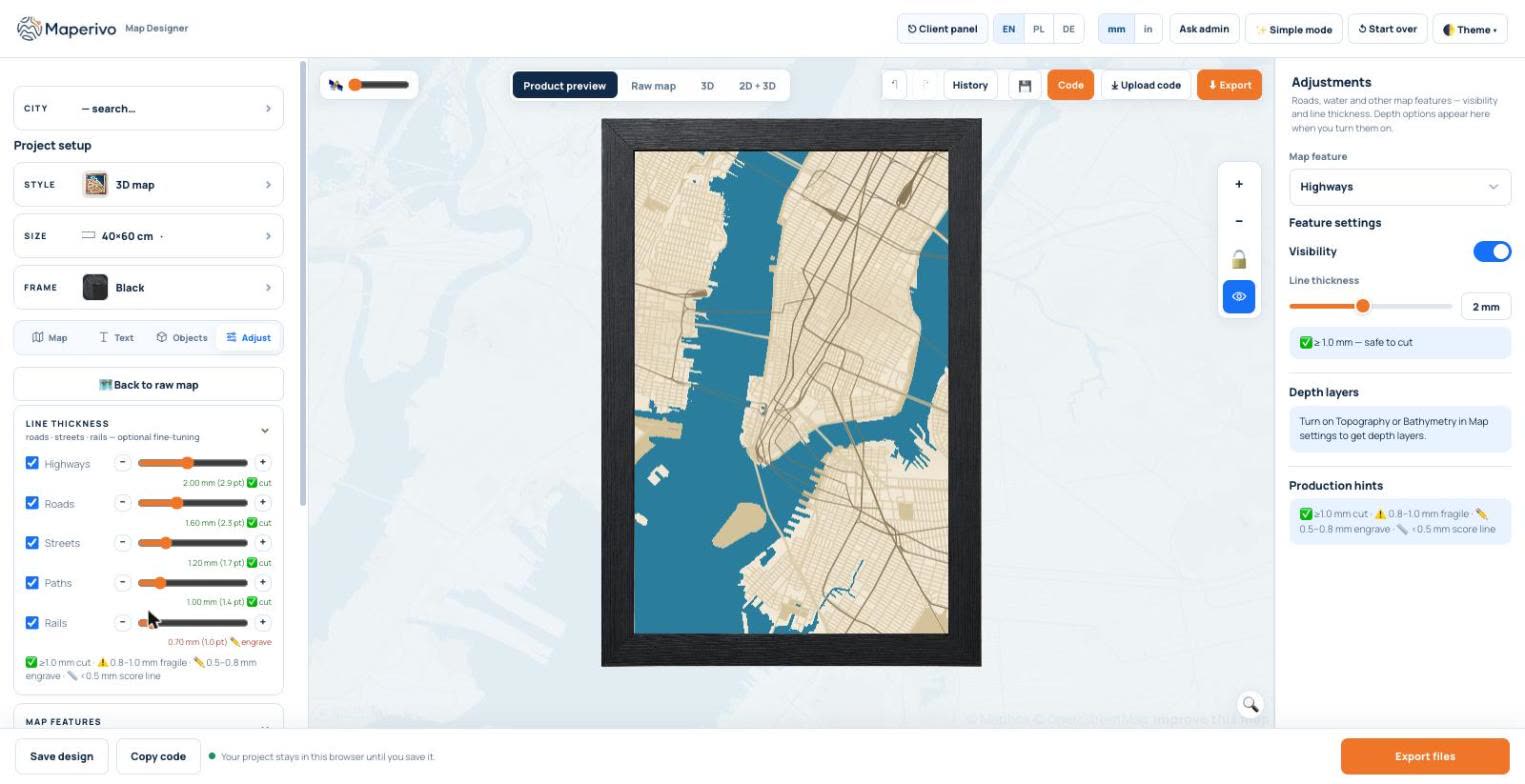
In Maperivo each road type has its own width, with a note next to it: 1 mm and more cuts safely, 0.8–1 mm is fragile, 0.5–0.8 mm is engraved and anything thinner becomes a single score line. More in cut vs engrave layers explained and common SVG mistakes for laser cutting.
4–6. Files that open ready to cut, and a preview you can trust
A layered product needs one SVG per sheet, all on the same canvas in millimetres, with cut, engrave and score on their own colours. A 3D preview should come from the same geometry, so what you approve is what you cut.
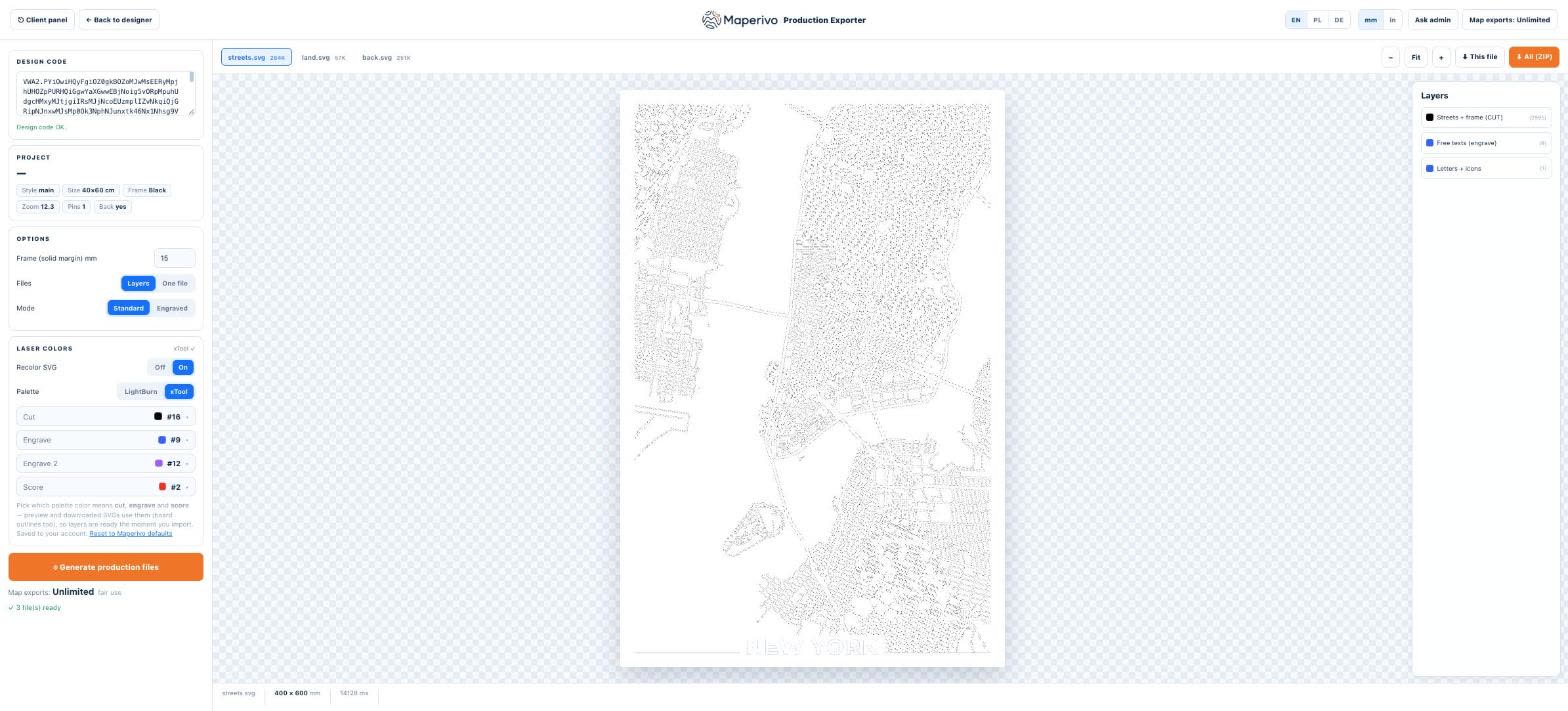
See best practices for layered SVG files and 3D previews for laser-cut designs.
7–9. Products, not just maps
A map alone is a drawing. A 3D layered map with a frame, a name plate, a heart on the place where they met and a message on the back is a gift someone pays for. Check which product styles the software exports as complete sets of sheets, and whether it handles lake depth and terrain, which are popular with lake houses and hikers. Step by step: how to make a personalized laser-cut map gift and 3D layered lake depth maps.
10–12. Ready for a business
If you sell, check three things. Commercial use: is it included, and which map-data attribution do you add? See can you sell personalized maps. Customer flow: can a customer design the map from a link or on your store, so you receive a finished design instead of a chat thread? See how to manage custom map orders. And price model: a flat monthly price keeps costs predictable; a commission per sale grows with your success.
How Maperivo fits the checklist
We built Maperivo for our own map workshop, so it follows this list: millimetre widths per road type, cut/engrave/score rules, layered SVG for LightBurn and xTool, a 3D preview from the export geometry, product styles, depth and terrain layers, customer design links and a store embed. Commercial use is included on every plan, with 0% commission. You can test every point in the 14-day trial in the Laser Map Designer; plans are on the pricing page.