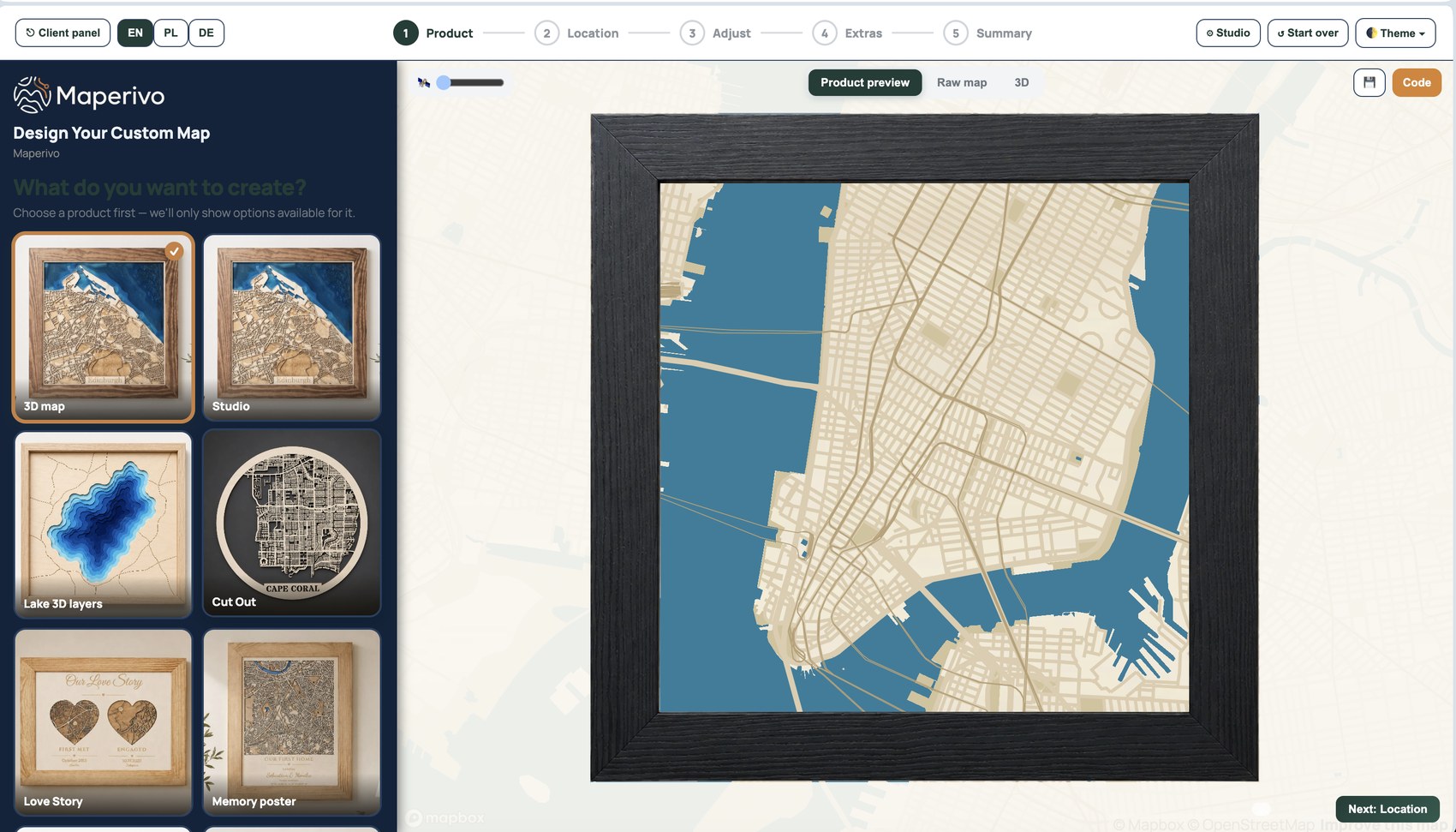
1. Design
Choose the place, area, dimensions and visible content.
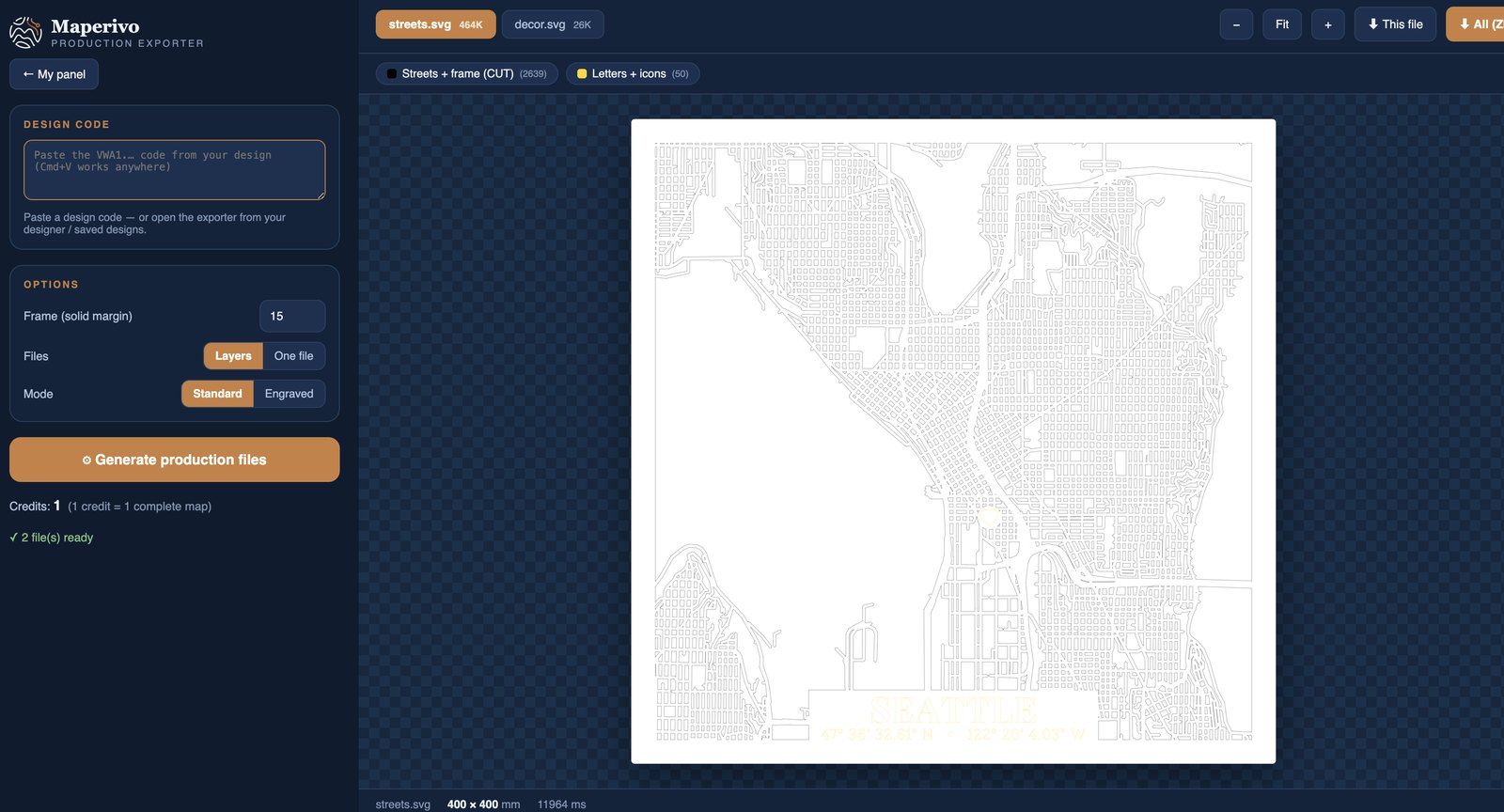
2. Preview and prepare
Inspect the production structure before creating the file.
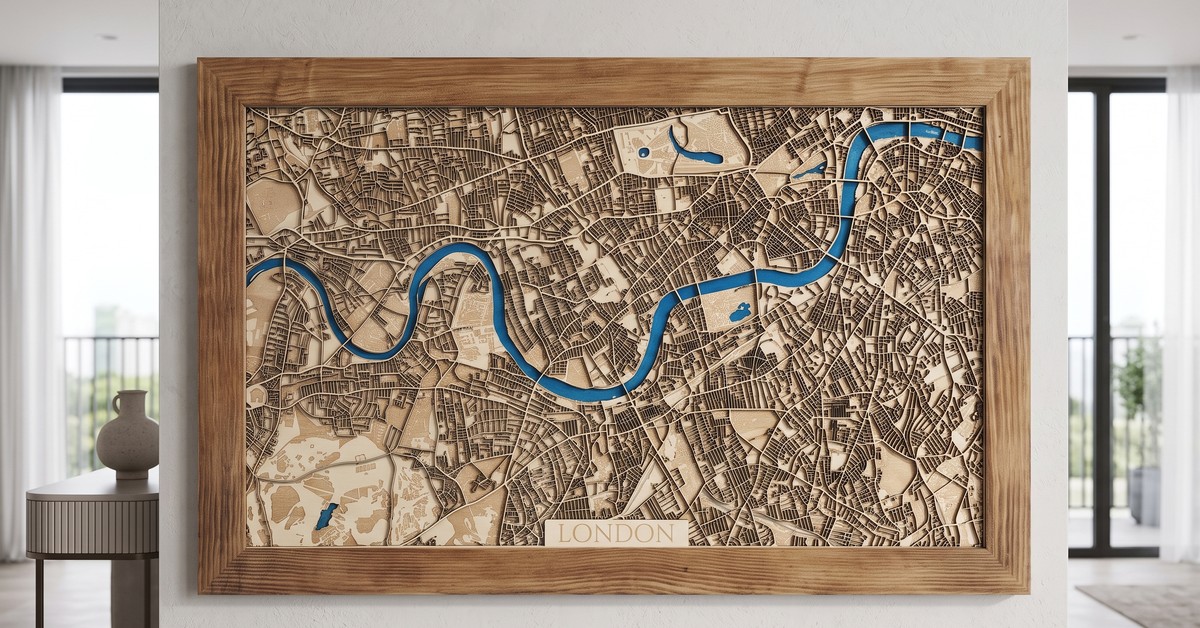
3. Produce
Use the confirmed export to make the physical result.
Choose a real place, define the map area and prepare clean production layers for a laser-cut or engraved physical map.
Designer, preview, export and physical result are identified separately. A 3D preview is never presented as a finished map.
Choose the place, area, dimensions and visible content.
Inspect the production structure before creating the file.
Use the confirmed export to make the physical result.
The complete workflow, with the purpose of every stage explained.
Search by city, address or coordinates, then position the exact physical map area.
Decide which geography becomes cut detail, engraving, water, background or frame.
Add a title, subtitle, coordinates and marker while keeping the chosen size readable.
The exploded view explains physical layer order. It is a production check, not a finished-product photo.
Review named groups and settings before producing the layered SVG.
Cut, engrave and assemble the exported layers. Real results are photographed below.
Functions are connected to the physical result, not presented as isolated interface labels.
Output claims are shown only when confirmed in the active tool.
Selected product imagery from the Wall Art shop archive — styled interiors and clean presentation, not workshop documentation.
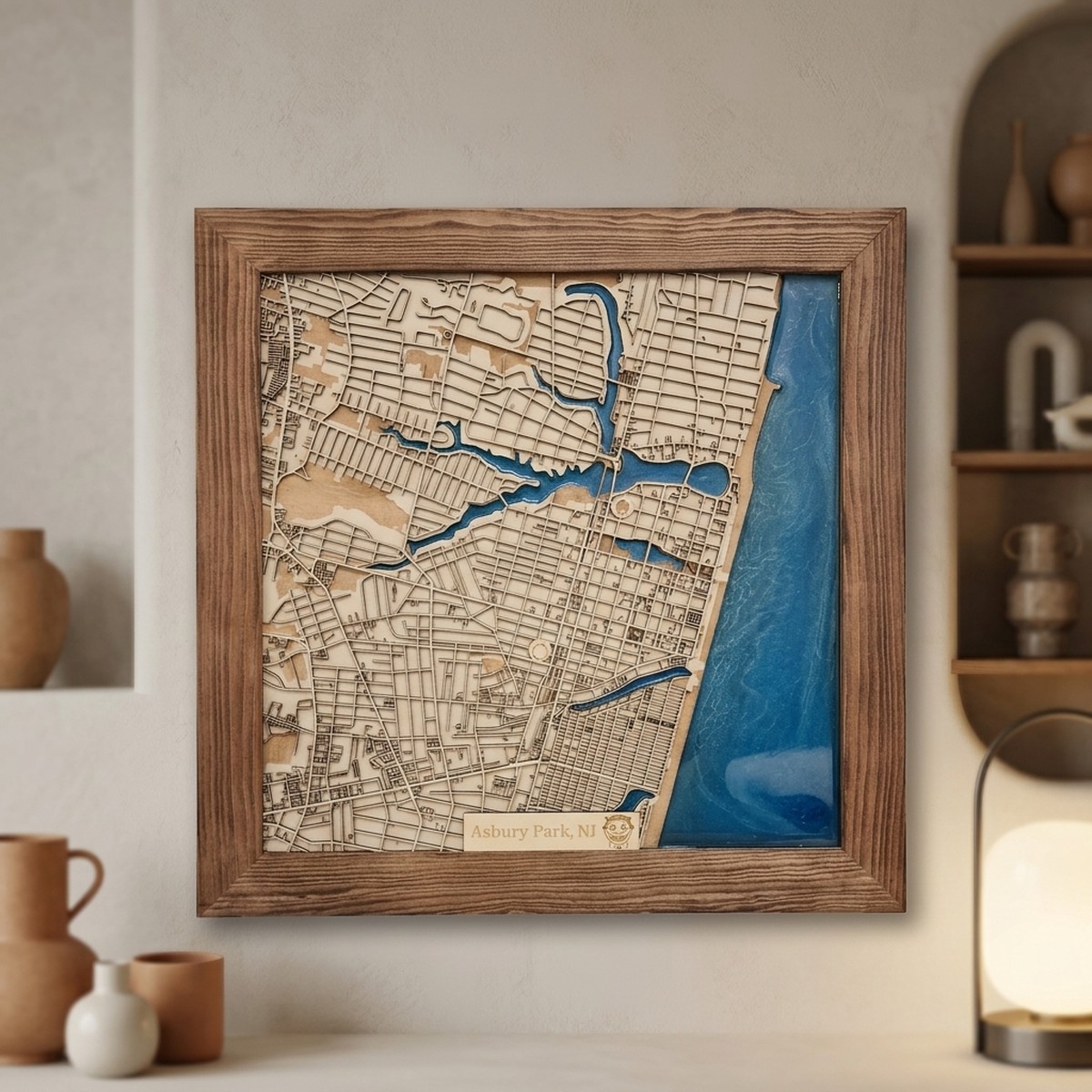
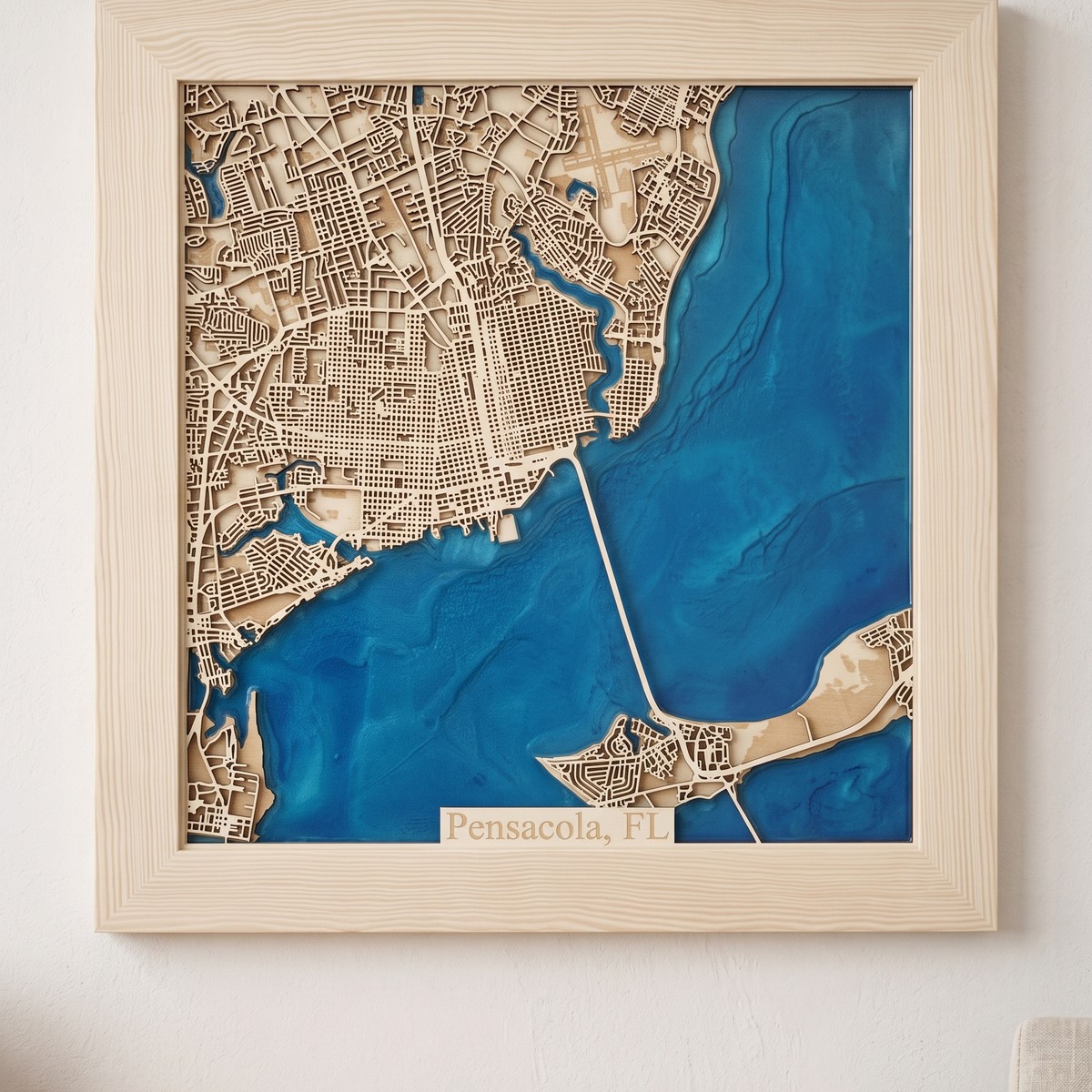
Examples matched to this tool rather than generic filler photography.
A practical physical result for this product.
A practical physical result for this product.
A practical physical result for this product.
A practical physical result for this product.
A practical physical result for this product.
Compare the result before choosing your product.
Short answers to the questions that affect the choice.
No. On the public site it first opens registration and preserves this selected tool.
After the account is confirmed, the user returns to the selected generator instead of a generic dashboard.
Yes. Use Related tools or the full catalogue to compare what each generator makes.
The 14-day trial includes every style, 50 map exports and all of Maperivo LAB. After that, the account continues on Free instead of being disabled.
All styles, 50 map exports and the complete LAB. No card required.
Studio, 3D Map and Cut Out, 10 map exports every month and the complete LAB.
Add 10 map exports for $5 once. Purchased exports never expire.
All present and future styles with unlimited exports under fair use.
Create a free account without a card. We will remember which tool you selected.