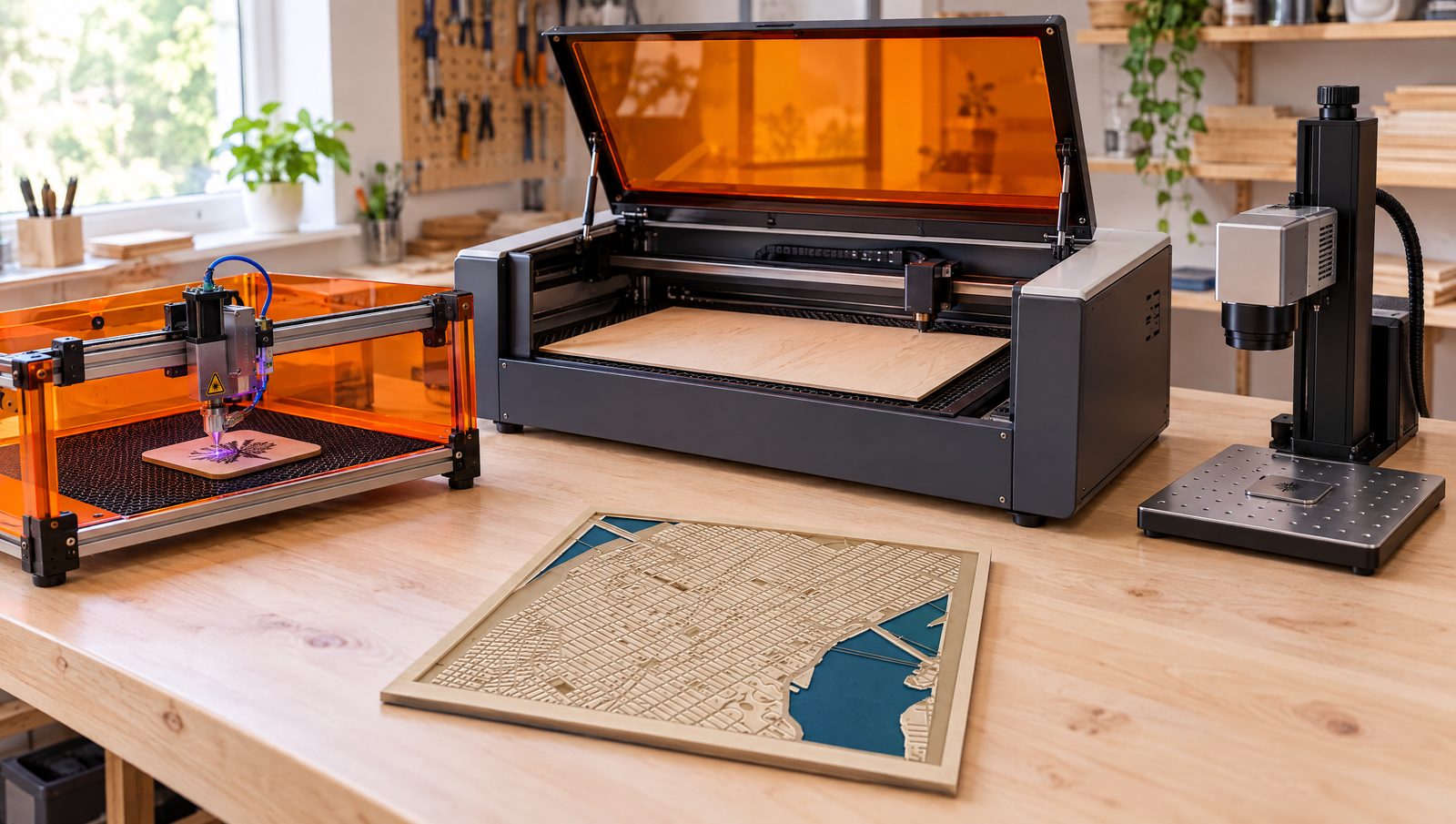
Most buying guides start with watts. Start with materials instead. The wavelength decides what a laser can do: no number of watts lets a blue diode cut clear acrylic, and a CO2 laser cannot engrave bare steel on its own. This guide covers every laser type a maker can buy in 2026: what it really cuts, what it costs, where it can live, and which one fits a hobby or a small business.
Transparency: some links on this page are affiliate links. If you buy through them, Maperivo may earn a commission at no extra cost to you. Commissions never decide a ranking: machines without an affiliate program are judged on the same terms. In our own workshop we work on an xTool P3 and a Sculpfun S30 with a 33 W laser. Mentions of the Maperivo map generator are our own product.
Quick answer
- Wood, leather, card and dark acrylic on a budget: a 20–40 W diode laser, ideally enclosed ($600–2,000).
- Wood plus every kind of acrylic, faster cutting, cleaner edges: a 55 W desktop CO2 laser ($1,500–3,000 in 2026).
- Bare metal (steel, brass, jewellery, tumblers): a fiber laser. Colour on stainless steel needs a MOPA fiber ($1,300–5,000).
- Glass, plastics and ultra-fine detail: a UV laser ($3,000–6,000).
- Selling layered wooden maps and signs: CO2 is the workhorse. A strong diode is a fine start if you only cut wood.
The five laser types at a glance
Every laser for makers falls into one of five families. The table shows what defines each one; the sections below explain what that means in practice.
| Type | Wavelength | Typical power | Motion | Best at | Source life | Entry price 2026 |
|---|---|---|---|---|---|---|
| Blue diode | 450–455 nm | 5–40 W optical (up to ~70 W) | Gantry | Wood, leather, card, dark acrylic; engraving | ~10,000 h (maker claim) | ~$250 |
| CO2, glass tube | 10,600 nm | 40–150 W | Gantry | Cutting wood and all acrylics, leather, fabric, paper | 1,500–4,500 h (independent); 6,000–10,000 h (xTool claims) | ~$600 (K40 class), ~$1,500 enclosed desktop |
| CO2, RF metal tube | 10,600 nm | 30–120 W | Gantry | Fast, crisp production engraving | 10,000–50,000 h | ~$4,500 |
| Fiber (Q-switched / MOPA) | 1,064 nm | 20–100 W | Galvo | Bare metal marking and deep engraving; MOPA adds colour on steel | ~100,000 h | ~$1,300 (20 W); ~$2,600 (MOPA) |
| UV | 355 nm | 3–12 W | Galvo | Glass, plastics, fine "cold" marking | ~10,000–15,000 h | ~$3,000 |
Power for diodes is optical output. Source-life figures are manufacturer or dealer claims, not independent tests. Prices checked 24 September 2026.
Diode lasers: the affordable entry point
A diode laser fires light straight from semiconductor chips, usually blue at 450–455 nm. Modern 20 W and 40 W modules combine several diodes into one spot. They cut wood, plywood, cork, card, leather and fabric, and they cut dark or opaque acrylic. They cannot cut clear, white or blue acrylic, because the blue light passes straight through or reflects. There is no gas, no mirrors and no coolant, so maintenance is a clean lens and a working air assist.
Some diode machines add a small 1,064 nm infrared module (2–5 W). It marks metal and plastic, but it does not cut metal. Examples are the optional IR module for the xTool S1 and the Creality Falcon A1 Pro, and the built-in 5 W IR source of the portable xTool F2.
CO2 lasers: the cutting workhorse
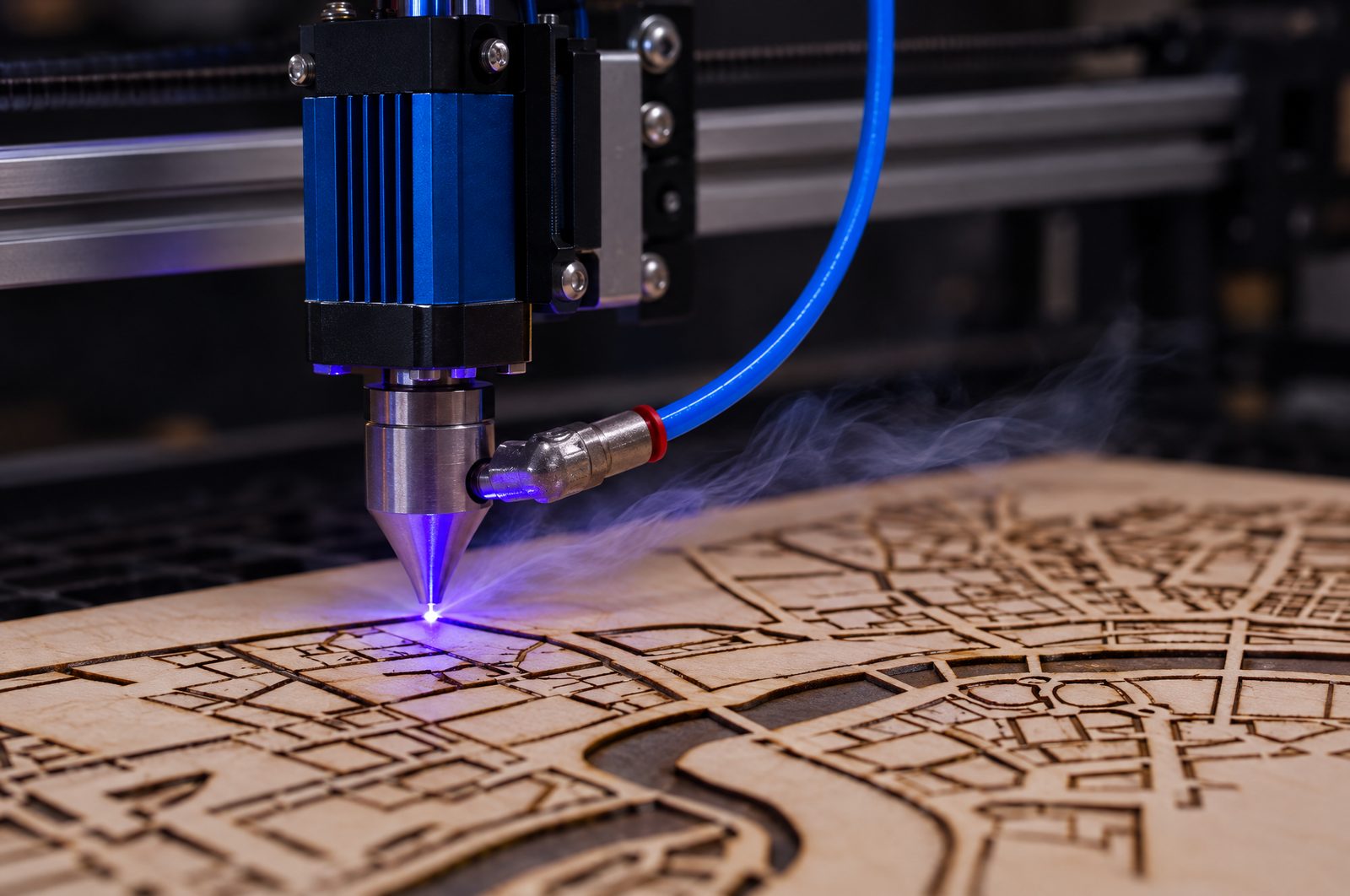
A CO2 laser excites gas in a sealed tube and steers the invisible 10,600 nm beam with mirrors to a lens on a moving head. It cuts and engraves almost every organic material and every acrylic, clear ones included, with glossy flame-polished edges. Bare metal needs a coating or marking compound. Most hobby and small-business machines use a water-cooled glass tube. RF metal tubes cost more but last longer and engrave faster, which pays off in all-day production.
2026 made CO2 much more affordable. Bambu Lab launched its first CO2 laser, the 55 W R1, at $2,499 / €2,499 (pre-orders from 22 September 2026). The xTool P2S lists at $2,999, and LightBurn-friendly enclosed desktops from OMTech and Gweike start below $2,200. The price gap between a top enclosed diode and an entry CO2 has almost closed.
Fiber and MOPA lasers: for metal
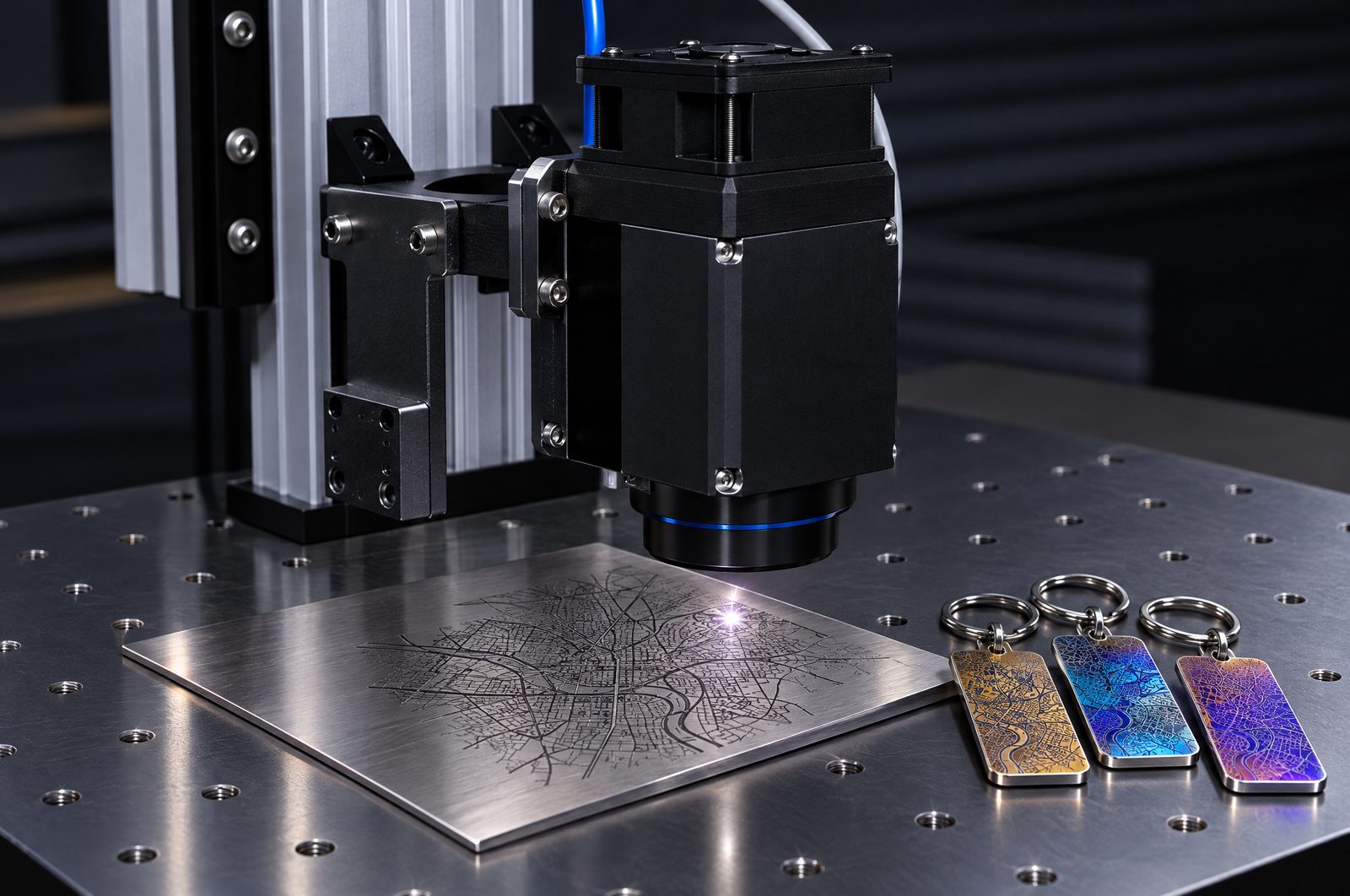
A fiber laser generates short, powerful 1,064 nm pulses that metals absorb well. A galvo head steers the beam with two fast mirrors. It engraves and marks stainless steel, brass, aluminium, gold and silver, and higher powers cut thin sheet (xTool quotes up to 2 mm stainless steel for its 60 W MOPA). It is not a tool for wood, paper or leather. A MOPA fiber lets you change the pulse width. That is what makes colour marking on stainless steel and titanium, deep black marks on anodised aluminium and clean plastic marking possible. A standard Q-switched fiber is cheaper and ideal for deep engraving and simple dark marks.
UV lasers: glass, plastics and fine detail
A UV laser works at 355 nm. It breaks chemical bonds instead of melting material, so the heat-affected zone is tiny and the spot is around 0.01 mm. It marks glass, crystal, plastics and delicate electronics without scorching. Some machines, such as the xTool F2 Ultra UV, also engrave inside glass blocks. It is a specialist tool: expensive for its power, and not a cutter.
What can each laser cut and engrave?
| Material | Blue diode | CO2 | Fiber | MOPA fiber | UV |
|---|---|---|---|---|---|
| Wood, plywood, MDF | Cut + engrave | Cut + engrave | No | No | Engrave |
| Clear acrylic | No, beam passes through | Cut + engrave | No | No | Engrave |
| Coloured / black acrylic | Cut dark colours only | Cut + engrave | No | No | Engrave |
| Leather | Cut + engrave | Cut + engrave | No | No | Engrave |
| Fabric, felt, paper, card | Cut | Cut + engrave | No | No | Engrave |
| Glass | Only with coating | Surface frosting | Only with coating | Only with coating | Engrave, some inside glass |
| Stone, slate, ceramic | Engrave | Engrave | Engrave | Engrave | Engrave |
| Anodised aluminium | Engrave | Engrave | Engrave (white) | Engrave, deep black | Engrave |
| Bare steel, brass, titanium | Marking spray only | Marking spray only | Engrave; thin cuts | Engrave + colour; thin cuts | Shallow marks |
| Plastics (ABS, PP, PE) | Some, dark ones | Many | Marks, may melt | Clean contrast | Best, no melting |
| PVC / vinyl | Never | Never | Never | Never | Never |
Summary of maker and independent sources (xTool, Pryor, Heatsign, HobbyLaserCutters). Always test on a scrap first.
Never laser PVC or vinyl. It releases hydrogen chloride gas, which turns into hydrochloric acid: toxic for you and corrosive for the machine.
How thick can a laser really cut?
Treat maximum thickness figures as marketing. They describe a slow, multi-pass cut on ideal material, not a clean everyday result. The real question is how fast and how cleanly a machine cuts the material you use most.
| Laser | Maker claim (one pass) | Realistic everyday result |
|---|---|---|
| Diode 10 W | About 6 mm wood | 3 mm plywood is comfortable; thicker needs several passes |
| Diode 20 W | 10 mm basswood ply, 5–8 mm dark acrylic | 3–5 mm cleanly in one pass |
| Diode 40 W | 15–18 mm wood | 10 mm ply in 2–3 passes (independent test); 18 mm needs about 6 passes (xTool's own test) |
| CO2 40–45 W | About 5 mm wood, 10 mm acrylic | 3–5 mm every day |
| CO2 55 W | 15–20 mm (with lens changes) | 3–6 mm, including clear acrylic, in one clean pass |
| CO2 80 W | 20–25 mm | Tom's Hardware cut 25 mm acrylic and ~10 mm hardwood in one pass on the xTool P3 |
| CO2 100 W+ | 12–15 mm wood, 30 mm acrylic | Production thicknesses; needs a workshop machine |
Sources: xTool support tests, HobbyLaserCutters, FauxHammer, Tom's Hardware, Gweike and Artizono cutting charts.
For the material most makers use, 3 mm plywood, any 20 W+ diode or any CO2 laser will do. You pay for speed, edge quality and the ability to cut acrylic, not for the possibility of cutting a plank once.
What does a laser engraver cost in 2026?
| Budget | What you get | Examples (price checked 24 September 2026) |
|---|---|---|
| Under $500 | Open-frame 10–20 W diodes, small enclosed diodes with a 150×150 mm bed | Creality Falcon A1C from $269 · Sculpfun iCube Ultra $299 · Atomstack A24 Pro ~$459 |
| $500–1,500 | Enclosed 20 W diodes, 40 W open-frame diodes, K40-class CO2, portable dual lasers | Sculpfun S30 Ultra 33 W $769.99 / €748.99 (our workshop diode is a Sculpfun S30 with a 33 W laser) · Creality Falcon2 40W $639 · xTool M2 from $599 · Creality Falcon A1 Pro $879 · OMTech K40+ $599.99 · xTool F2 ~$1,499 |
| $1,500–5,000 | Desktop CO2, top enclosed 40 W diodes, desktop fiber, MOPA and UV | Gweike Cloud Pro II $1,659 · OMTech Polar Lite $2,199.99 · Bambu Lab R1 $2,499 · xTool P2S $2,999 · ComMarker B6 fiber from $1,599 · ComMarker B6 MOPA from $2,599 · xTool F2 Ultra UV $4,299 |
| $5,000–15,000 | 80–100 W CO2 with a big bed, RF CO2, pro MOPA | xTool P3 $6,999 · Thunder Laser Bolt from $5,795 · Epilog Fusion Ascent 12 from $9,495 · Thunder Nova Plus 35 from $11,000 |
| $15,000+ | Industrial RF CO2 and galvo systems with dealer service | Epilog Fusion Ascent 36 from $17,995 · Thunder Titan · Trotec (quote only) |
US list or sale prices on official stores. Sales change weekly; EU prices include VAT and are often higher.
Budget for the extras too:
- Ventilation: a window vent kit, or a filter unit with HEPA and activated carbon if you cannot vent outside.
- Air assist, if it is not built in.
- A rotary attachment for tumblers and glasses.
- Software: LightBurn Core $99 or Pro $199, if your machine uses it.
- Safety glasses matched to the wavelength, for open-frame machines.
- Materials, spare lenses and, for glass-tube CO2, an eventual tube replacement.
Buying in Europe? Compare the brand's EU store with the US price. The Creality Falcon A1 Pro costs $879 in the US but €1,179 in the EU store. Buying from an EU warehouse avoids customs surprises and makes warranty claims simpler.
Home, garage or workshop: where will the laser live?
| Space | Sensible choice | Must-haves | Avoid |
|---|---|---|---|
| Apartment / spare room | Enclosed Class 1 diode or desktop CO2 | Venting through a window or a HEPA + carbon filter; a smoke alarm | Open-frame machines without an enclosure; big CO2 machines with external chillers |
| Garage / shed | Open-frame diodes (with enclosure and goggles), desktop or mid-size CO2 | Duct to the outside; frost protection for water-cooled tubes | Running jobs unattended |
| Workshop / studio | 80–150 W CO2, RF tubes, galvo fiber and UV | Dedicated extraction, chiller, fire suppression, space for full sheets | Under-sized extraction for all-day cutting |
- Class 1 vs Class 4. A Class 1 machine can contain a powerful Class 4 laser, but its enclosure and interlocks keep the beam inside. Most open-frame diodes are Class 4 and need goggles matched to the wavelength.
- Accessories can change the class. The Bambu Lab R1 with a riser or conveyor, the xTool P3 with its conveyor and the Glowforge Pro with its passthrough slot are no longer Class 1.
- Fire. Never leave a laser running alone. Keep a CO2 extinguisher or a fire blanket nearby; powder extinguishers ruin optics and electronics. The xTool P3 has flame sensors and a CO2 suppression canister, and the Creality Falcon A1 Pro has flame detection.
- Noise. Fans and pumps are loud. Tom's Hardware called the Bambu Lab R1 the loudest laser it had reviewed.
Hobby or business: which laser fits what you sell?
| What you make | Best fit | Why |
|---|---|---|
| Personalised wood gifts: coasters, ornaments, boards | Start with a 20–40 W enclosed diode; scale to 55–80 W CO2 | Diodes handle wood well. CO2 is faster and cleaner for volume. |
| Layered wall maps and signs | 55 W+ CO2 with a large bed and passthrough | Many through-cuts in 3 mm plywood, plus clear or coloured acrylic water layers |
| Acrylic products: keychains, cake toppers, signs | CO2 | Cuts every colour, including clear, with polished edges |
| Jewellery, metal pendants, rings | MOPA fiber; UV for the finest detail | Bare metal, colour marking, tiny spot |
| Tumblers, tags, tools, pet tags | Galvo fiber with a rotary | Galvo is 10–65× faster than a gantry for small marked batches |
| Leather goods: patches, wallets | CO2 (cut + engrave); diode for engraving | Clean cuts and deep engraving |
| Glass and crystal gifts | UV; CO2 for surface frosting | Cold marking without cracks |
Once a laser earns money, features matter more than watts. A passthrough or conveyor lets you cut long signs and big maps. A camera speeds up placement. Autofocus saves setup on mixed materials, a rotary opens up drinkware, and batch processing turns ten jobs into one.
First laser or upgrade? Three paths that work
Path 1: the classic maker ladder
- 10 W open-frame diode ($250–450). Learn design, focus and material settings on wood and leather.
- 20–40 W enclosed diode ($850–2,000). Faster cutting and safe indoor use. Examples: xTool S1, Creality Falcon A1 Pro, xTool M2 20 W. In our own workshop an open-frame Sculpfun S30 with a 33 W laser works alongside the CO2.
- 50–55 W desktop CO2 ($1,650–3,000). Clear and coloured acrylic, much faster sheet cutting and cleaner edges. Examples: Bambu Lab R1, xTool P2S, OMTech Polar Lite.
- Add a galvo fiber or MOPA for metal, tumblers and jewellery. ComMarker B6 from $1,599, B6 MOPA from $2,599, xTool F2 Ultra from $4,299.
Path 2: from cutting machine to laser (crafters)
Start with a simple enclosed craft laser such as the xTool M2 (laser plus colour printing, from $599) or the Glowforge Aura (6 W, $999–1,199). Move to a desktop CO2 when you need thicker cuts or acrylic. Note that 6 W craft lasers top out at about 6 mm material.
Path 3: scaling a business
Start with a 55 W desktop CO2. Move to 80–100 W with a large bed (xTool P3 $6,999, our own production machine; Thunder Nova Plus 35 from $11,000) for bigger sheets and throughput. Then add an RF tube for all-day engraving, and a galvo fiber or UV for new product lines.
Three rules for upgrading:
- Upgrade when a material (clear acrylic, bare metal) or throughput limit stops you, not for watts alone.
- Keep your first machine. A diode or fiber marker stays useful next to a CO2.
- Watch software lock-in (see below).
Gantry or galvo?
Gantry machines move the head on rails. They offer big beds, square cut edges and real cutting depth, at typical speeds of a few hundred to about 1,000 mm/s. Galvo machines steer the beam with mirrors. They mark 10–65 times faster (up to 15,000 mm/s), but only in a field of roughly 100–300 mm, and they are made for surfaces, not deep cuts. Hybrid designs like the announced xTool X1 put a galvo head on a gantry.
Software: the hidden lock-in
- LightBurn is the standard for "open" machines. Core costs $99 (GRBL diodes); Pro costs $199 and adds Ruida-type CO2 controllers and galvo lasers. Both are perpetual licences with a year of updates ($40/year after that) and a 30-day free trial.
- xTool machines use the free xTool Studio. The P3 and the F2 Ultra never supported LightBurn. LightBurn's own documentation (29 June 2026) says xTool firmware updates removed LightBurn compatibility from the P2S and the F1 and F2 families.
- Bambu Lab R1 runs on Bambu Suite. LightBurn support has been announced without a date.
- Glowforge is cloud-based: every job needs an internet connection, and Premium features cost from $20/month.
If you already know LightBurn, or you run more than one brand, check compatibility before you buy. A layered SVG from the Maperivo map generator opens in all of these programs.
What changed in 2025–2026
- Bambu Lab R1 (22 September 2026): a 55 W CO2 with automatic mirror alignment for $2,499. It ships from October.
- xTool X1 (announced 28 August 2026): a 55 W CO2 gantry plus a 20 W diode galvo, with swappable fiber, MOPA and UV modules. The price is not announced yet.
- Glowforge went through an Assignment for the Benefit of Creditors in November 2025. Its co-founders bought the assets back, and the company still sells machines with about 20 staff.
- Discontinued: the xTool D1 Pro (2025) and M1 (April 2025 in the US). Many "best of" lists still recommend them, so don't pay full price for old stock.
- US tariffs on Chinese-made machines kept changing through 2026. US buyers should check the final landed price.
Our picks by laser type
| Laser type | Best overall | Best value | Full guide |
|---|---|---|---|
| CO2 | xTool P2S | Bambu Lab R1 · OMTech Polar Lite | Best CO2 laser cutters 2026 → |
| Diode | xTool S1 (enclosed) | Creality Falcon A1 Pro (enclosed) · Falcon2 40W (open) | Coming soon |
| Fiber / MOPA | xTool F2 Ultra | ComMarker B6 MOPA · ComMarker B6 20 W | Coming soon |
| UV | xTool F2 Ultra UV | ComMarker Omni X 6 W | Coming soon |
| 3D printer + laser | Bambu Lab H2D Laser Full Combo | Bambu Lab H2S Laser Full Combo | Coming soon |
Buying a laser to make layered maps?
We build Maperivo and make layered wooden city maps for sale on two machines: an xTool P3 (80 W CO2, 915×458 mm bed, built-in chiller) and a Sculpfun S30 with a 33 W laser (open-frame diode with built-in air assist). They sit at opposite ends of the budget, so this guide looks at both: a production CO2 with a big bed, and an open-frame 33 W diode that costs a small fraction of it.
Our short version:
- Wood-only maps up to about 40×40 cm: a 20–40 W diode with air assist does the job. Expect slightly darker edges than CO2 and a bit more cleanup.
- Maps with clear or coloured acrylic water: you need CO2. Blue diodes cannot cut clear or blue acrylic.
- Size: a 30×40 cm map just fits a 600×300 mm bed. For 40×50 cm and larger, choose a bigger bed or a passthrough, or split the map into panels.
- Material: 3 mm birch plywood is the standard. See the materials guide.
- Files: a layered SVG with separate CUT, ENGRAVE and WATER layers saves hours. Make one in the map generator, then follow how to laser cut a map and our LightBurn settings for maps.
Planning to sell? Read the best laser products to sell in 2026 and how to price custom map products.
Sources and method
We compared official product pages and stores (prices checked 24 September 2026), independent reviews and manufacturer technical notes. We have not lab-tested every machine in this guide.
- Tom's Hardware: Best laser cutters and engravers 2026 (updated 8 Sep 2026); reviews of the Bambu Lab R1 and xTool P3
- Bambu Lab: R1 launch announcement (22 Sep 2026)
- xTool: product pages and support articles on the P2S, P3, S1, F2, F2 Ultra, M2, module cutting tests and laser safety classes
- LightBurn: licensing pages and device-specific troubleshooting (29 Jun 2026)
- HobbyLaserCutters: best laser engravers 2025/2026 and xTool S1 review
- FauxHammer and Hackster.io: Bambu Lab R1 reviews
- JPT and Pryor: MOPA vs Q-switched fiber; Heatsign: UV and green lasers
- Thunder Laser, OMTech and OneLaser: glass vs RF CO2 tubes and lifetime
- Gweike and Artizono: CO2 cutting thickness charts
- GeekWire: Glowforge restructuring (Nov 2025); PR Newswire: xTool X1 announcement (28 Aug 2026)
- Official stores: xTool, Bambu Lab, OMTech, Monport, Gweike, Creality Falcon, Sculpfun, ComMarker, Thunder Laser, Epilog