Transparency: some links in this guide are affiliate links. If you buy through them, Maperivo may earn a commission at no extra cost to you. It does not change what we recommend.
Moving up from a diode to a CO2 laser changes more than the wattage: you now run a water-cooled tube, a mirror path and swappable lenses. We work on both kinds of machine, so this guide collects the CO2 habits that matter most, with every number traced to a named source and every disagreement between manufacturers shown openly.
Quick answer
- Alignment: work in order, tube → mirror 1 → mirror 2 → mirror 3 → lens, with tape and short pulses at 10–15 % power (OMTech). Done well, it rarely needs repeating.
- Lenses: 1.5″ for fine engraving, 2″ as the all-rounder, 2.5″ for thicker cuts, 4″ for thick acrylic and MDF over 10 mm (Thunder Laser).
- Cooling: distilled water. Published windows are 15–25 °C (Thunder Laser) and 16–21 °C or 10–24 °C (two OMTech pages). The xTool P3 pauses the job at 35 °C.
- Tube life: glass tubes are quoted at 1,000–4,500 hours, RF metal tubes at 10,000 to 30,000+ hours. xTool rates the P3 tube at about 10,000 hours.
- Optics: clean them often. OMTech and xTool allow isopropyl alcohol; Thunder Laser says avoid it unless the optic's maker approves.
- Safety: never leave the machine running unattended, and never cut PVC or vinyl.
What changes when you move from a diode to CO2?
The big change is the wavelength: Thunder Laser puts CO2 at 9 to 10.6 µm and blue diodes around 450 nm. That is why xTool says CO2 light is absorbed by acrylic of all colors, while a blue diode cannot cut clear, white or blue acrylic. The rest is new hardware and new habits.
| Topic | Diode (what you know) | CO2 (what is new) | Source |
|---|---|---|---|
| Wavelength | Around 450 nm (blue) | 9–10.6 µm (xTool P3: 10,600 nm) | Thunder Laser, xTool |
| Acrylic | Not clear, white or blue | All colors | xTool |
| Beam path | Module sits on the head | Tube, three mirrors and a lens: needs alignment | OMTech |
| Cooling | Air assist helps keep the diode cool | Water loop with a temperature window | xTool, Thunder Laser, OMTech |
| Low power and corners | GRBL has no Min Power (except grayscale) | DSP uses Min Power below Start Speed; firing threshold around 10 % | LightBurn |
| Frequency (PPI / Hz) | Only if the laser supports it | Part of Trotec and Epilog settings | LightBurn, Trotec, Epilog |
| Typical speed unit | mm/min (xTool 40 W test: 300 mm/min) | mm/s (xTool P3: up to 1,200 mm/s, maker claim) | xTool |
| Source life (claims) | Around 10,000 h | Glass 1,000–4,500 h; RF 10,000 h or more | Thunder Laser, OMTech, OneLaser |
LightBurn rows refer to DSP (for example Ruida) CO2 controllers and GRBL diode controllers.
Our diode laser tips cover the other machine; if you are still choosing, see the best CO2 laser cutters of 2026.
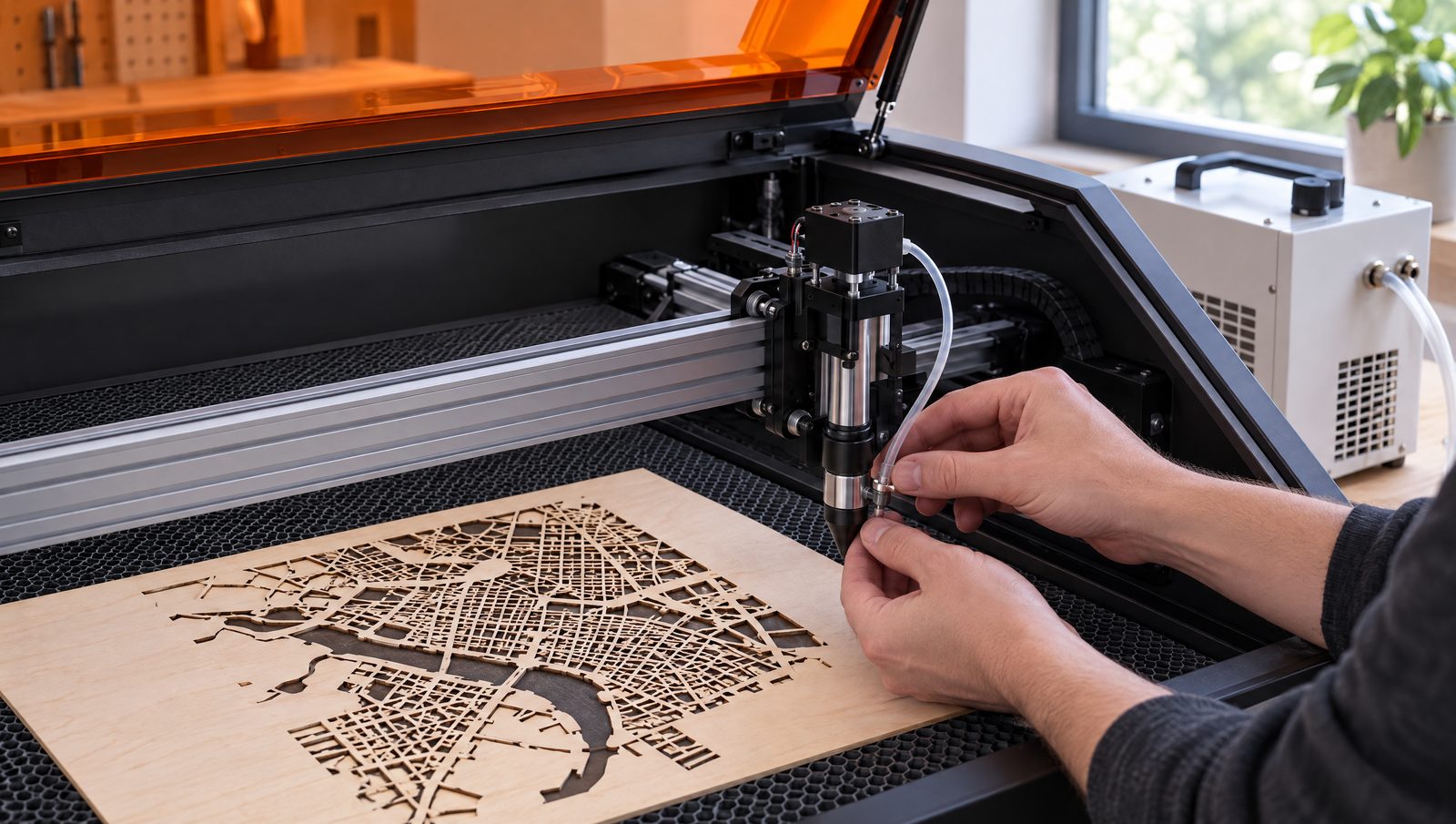
We run two machines: an xTool P3 (80 W CO2, 915×458 mm bed) and a Sculpfun S30 (33 W) diode laser. The layers of our 3D city maps are poplar plywood, and the water is not acrylic: it is real epoxy resin in three shades of blue, poured by hand and left to cure for 48 hours. You can see the layer stack on the Our Craft page of Viperys Wall Art, our own shop.
How do you align the mirrors on a CO2 laser?
A CO2 beam travels from the tube over three mirrors to the lens. OMTech's alignment guide works in a fixed order: tube, mirror 1, mirror 2 (Y axis), mirror 3 (X axis), then the lens.
- Put on CO2-rated safety glasses. OMTech asks for CO2-specific glasses rated OD5+.
- Set pulse or maximum power to 10–15 %, as OMTech suggests.
- Place tape over the guide hole of mirror 1 and press the pulse button on the controller.
- Run the near/far test on each axis: one pulse with the head close to the mirror, one far away. The two burn marks must overlap into a single dot.
- Move on to the next mirror only when the previous one passes.
Once aligned, OMTech says you should rarely need to align again. The warning sign is double or crescent-shaped marks on the workpiece: the beam is clipping the nozzle. The xTool P3 manual links its own optical-path calibration guide, and a machine-specific guide beats any generic one.
Treat focus gauges with the same suspicion: a LightBurn forum user's OMTech gauge said 18 mm while the real focus sat at 19.5 mm. A ramp test costs one strip of scrap.
Which focus lens should you use?
A shorter lens gives a smaller spot and less depth of focus; a longer one gives a larger spot and more depth. The table combines lens guides from Thunder Laser, Boss Laser and FSL with the three lenses xTool supplies for the P3.
| Lens | Focal length | Spot (FSL figure) | xTool P3 equivalent | Best for |
|---|---|---|---|---|
| 1.5″ | 38.1 mm | 0.003″ (≈0.08 mm) | S: 0.18×0.18 mm, engraving | Fine text, photo engraving, detailed graphics; less suited to thick cuts (Thunder Laser, FSL) |
| 2.0″ | 50.8 mm | 0.004″ (≈0.10 mm) | M: 0.2×0.2 mm, standard hybrid | The all-rounder; Boss Laser: cuts up to about 1/4″ (6 mm) |
| 2.5″ | 63.5 mm | 0.005″ (≈0.13 mm) | L: 0.23×0.23 mm, thick cutting | Deeper focus, slightly larger spot (Thunder Laser); Boss Laser: up to about 1/2″ (12.7 mm) |
| 4.0″ | 101.6 mm | – | – | Deepest focus: thick acrylic, MDF over 10 mm, uneven surfaces (Thunder Laser); Boss Laser: over 1/2″ |
Spot sizes are each maker's own figures, measured in different ways, so do not compare FSL and xTool numbers directly. Metric conversions are ours.
Sources disagree on which lens is standard: Thunder Laser says the 2″, Boss Laser the 2.5″. For acrylic 1/4″ and thicker, Epilog suggests focusing about 0.080″ (2 mm) closer to the lens for a better edge.
On a layered map the split follows the file: fine street names on the engrave layer suit the short lens (xTool's S lens is for engraving), a thick base or frame suits the long one. Each swap means refocusing, so batch jobs by lens.
What water temperature does a CO2 tube need?
Manufacturer recommendations, not independent tests. For the xTool P3, xTool publishes only alarm limits: the job pauses at 35 °C and is blocked at 40 °C. Source: Thunder Laser USA, cooling temperature and freeze mitigation
Data table
| Source | Water temperature |
|---|---|
| Thunder Laser USA: ideal water | 15–25 °C |
| Thunder Laser: Nova series | 15–25 °C |
| OMTech: setup guide | 16–21 °C |
| OMTech: maintenance guide | 10–24 °C |
No two manufacturers publish the same window. Thunder Laser USA gives 15–25 °C with a chiller setpoint "typically 20C, no higher than 25C" and a room at 60–80 °F with non-condensing humidity. Thunder Laser's Nova page adds a room below 27 °C, humidity below 70 % and chiller maintenance once or twice a month. OMTech says 16–21 °C in its setup guide and 10–24 °C in its maintenance guide.
The band that satisfies all of those pages is 16–21 °C: our arithmetic, not a manufacturer figure, but a sensible target when your manual is silent. On Sawmill Creek one owner wrote that anything over 23 °C on a wide-body tube shortens its life; others run at 19.5 °C and 25 °C.
The xTool P3 has a built-in inverter chiller, and xTool publishes alarm limits rather than a window: from 35 °C the job pauses, at 40 °C it is blocked. Causes it lists include a room above 30 °C and blocked vents; keep the exhaust at least 20 cm from the wall.
Distilled water, antifreeze, or both?
The coolant must carry heat and stay non-conductive, because, as Thunder Laser USA puts it, 30,000 volts arc through the tube. Its figures: about 2.6 µS/cm for distilled water, 100–1,000 µS/cm for tap water.
| Maker | Water | Antifreeze | Also says |
|---|---|---|---|
| Thunder Laser USA | Distilled, about 2.6 µS/cm | Only RV propylene glycol 1:1, "conditionally acceptable" | Never automotive glycol; antifreeze is "not a SET and FORGET solution" |
| OMTech | Distilled or de-ionized only | Never add it | No bleach either; replace the water at least monthly |
| xTool (P3) | Distilled or purified, not tap | 98 % propylene glycol, mixed by climate | Above 0 °C: no antifreeze, 1,200 ml of water |
| Mimowork | Distilled | Recommends adding it | – |
Manufacturer instructions for their own machines. Follow the maker of yours.
On antifreeze the makers flatly disagree. Thunder Laser USA puts automotive (ethylene glycol) antifreeze at about 633 µS/cm and RV propylene glycol diluted 1:1 at about 200 µS/cm. xTool mixes propylene glycol into the P3's 1,200 ml loop by the lowest temperature the machine will see: none above 0 °C, 20 % (240 ml in 1,200 ml) for −10 to 0 °C, up to 60 % at −50 to −40 °C. The rule that survives every source: follow your machine's maker, not a forum average. xTool also says the P3 must not be powered before the tank is filled.
How long does a CO2 laser tube last?
All figures are manufacturer or dealer claims. Single values are 'about' figures or lower bounds ('well over', 'more than') and are drawn as a point. Source: OMTech, DC glass vs RF metal laser tubes
Data table
| Tube type and source | Claimed life |
|---|---|
| Glass: OneLaser | 1,000–3,000 h |
| Glass: OMTech | 1,500–4,000 h |
| Glass: Thunder Laser wiki | 2,000–4,000 h |
| Glass: Thunder Laser USA | 2,000–4,500 h |
| Glass: Mimowork (about) | 3,000 h |
| xTool P3 tube, type not stated (about) | 10,000 h |
| RF metal: Thunder Laser wiki (well over) | 10,000 h |
| RF metal: OMTech (more than) | 30,000 h |
Glass tube figures run from 1,000 to 4,500 hours, depending on who you ask. RF metal tubes last longer but cost more to replace: Thunder Laser USA says often 3–5 times more, OMTech says RF modules are often 10 times more expensive. xTool rates the P3 tube at about 10,000 hours; the xTool pages we read do not say whether it is glass or RF.
What shortens a glass tube:
- Running flat out. Mimowork recommends no more than 80–90 % of maximum power. ThinkLaser quotes 22 mA or below for one 60 W tube (EFR 1200CL), while a Sawmill Creek thread suggests 28–30 mA for another 60 W tube. Check your own tube's datasheet.
- Warm water. See the temperature window above.
- Frost. Thunder Laser USA warns that tubes "can and will still break" even with antifreeze installed.
How to tell it is ending: OMTech lists a weaker beam, a change in glow color, and materials that used to cut suddenly not cutting. ThinkLaser suggests planning a replacement at about 65 % of rated power. Keep one reference test cut from when the tube was new; it is the cheapest power meter you will own.
Why does the laser skip at low power and burn at corners?
A CO2 tube has a firing threshold, which LightBurn puts at roughly 10 % of the tube's power; check your own machine. If Min Power falls below it, the laser "will not fire at all". On DSP controllers such as Ruida, the head uses Min Power whenever it moves at or below the Start Speed, which LightBurn says is 10 mm/s by default on most Ruida controllers (15–20 on some machines).
Too much Min Power leaves scorch and a wide kerf at corners; too little leaves under-burned spots. For slow cuts, LightBurn says to set Min and Max Power to match. GRBL diodes have no Min Power outside grayscale, so this setting is new for diode converts. More in our burn-mark guide.
How should you set up engraving and cutting jobs?
- Start low. Epilog: "When in doubt, start low", because you can re-run the job as long as the piece has not moved.
- Test in a grid. LightBurn's Material Test runs power against speed, plus frequency if your laser supports it. Match the units of the recipe you copy: mm/min typed as mm/s is off by a factor of 60.
- Estimate acrylic power. Trotec's rule of thumb is about 10 W per 1 mm, so 30 W for 3 mm. Epilog says 30–40 W cuts 1/8″ (3.1 mm), 50–60 W cuts 1/4″ (6.3 mm), and 80–100 W cuts 3/8″ (9.5 mm) in one pass and up to 1″ (25.4 mm) in two.
- Refocus for a second pass. Harvard GSD's tutorial: refocus slightly into the material and cut the same geometry again.
- Air assist by job. OMTech suggests about 0.5–3 PSI for engraving and 10–15 PSI for cutting wood; Epilog says always use it when cutting.
- Fast raster needs scanning offset. A LightBurn developer says it is usually needed on CO2 lasers scanning at 300–500 mm/s; at 500 mm/s a 1 ms delay puts you half a millimeter off. Test a fill at two speeds and enter half the measured gap.
DSP controllers overscan automatically, one diode chore fewer. For map layers, see LightBurn settings for laser maps.
How do you measure kerf and compensate for it?
Kerf is "the gap of material removed by the beam", in LightBurn's words, usually a fraction of a millimeter. It matters the moment one part must fit into another. LightBurn's Vernier test gives the offset directly: divide the reading by 40 (their example: 2.3 / 40 = 0.0575 mm). Positive offsets expand a shape, negative ones shrink it, and inner shapes flip automatically. Thunder Laser USA gives the manual version: offset the tool path by half the kerf you measured.
For scale, Purdue's lab quotes a typical kerf of about 0.011″ (0.28 mm) on its machine and warns that cut sides always have a slight angle. Measure per material and per lens. A typical map case is an acrylic water piece that must drop into a wooden layer; our layered assembly guide covers the rest.
What changes when you cut acrylic on a CO2?
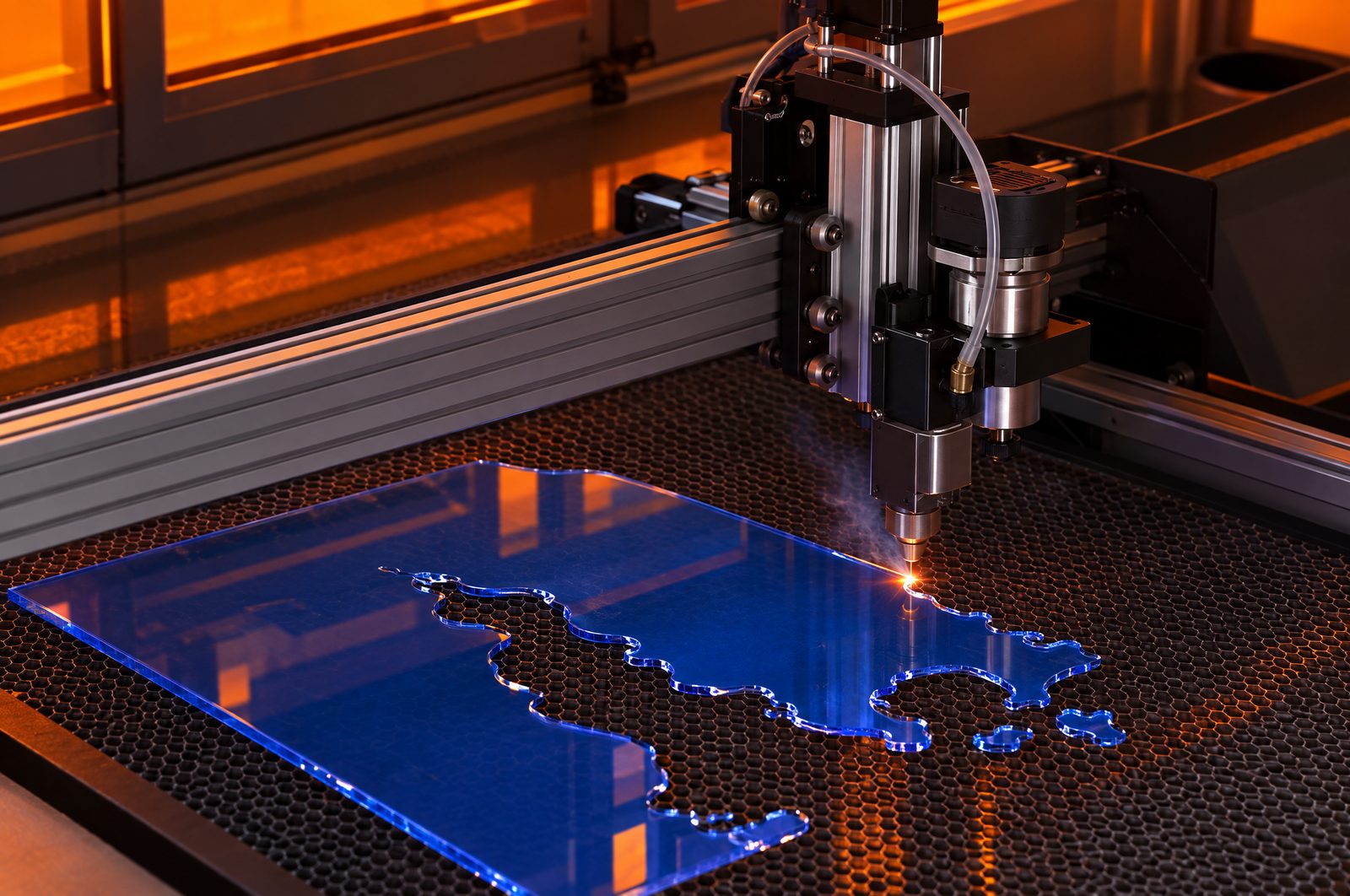
This is the job a diode cannot do. Epilog, Trotec and xTool's support page agree that extruded acrylic gives the glossy flame-polished edge, while cast acrylic cuts burr-free but not polished, and engraves frosty white. xTool's Academy article says the opposite about edges, so cut a strip of each before you order sheets.
- Gentle air. Trotec suggests moderate air assist, up to about 0.2 bar, with a large nozzle. OMTech says strong air blows vapor back and causes haze; Thunder Laser says low air gives a clear glossy edge and high air a bright white one.
- Lift the sheet. Epilog says raising acrylic off the table greatly reduces backside reflection and grid marks.
- No alcohol afterwards. Trotec warns alcohol can bleach colors and make the material brittle; Thunder Laser says alcohol on warm, fresh-cut acrylic can lead to cracks.
- Stay close. Harvard GSD calls acrylic "extremely flammable", especially thick sheets or densely placed parts.
Masking conflicts, haze fixes and the plastics you must never cut are in our acrylic and plastics guide.
How should you clean CO2 lenses and mirrors?
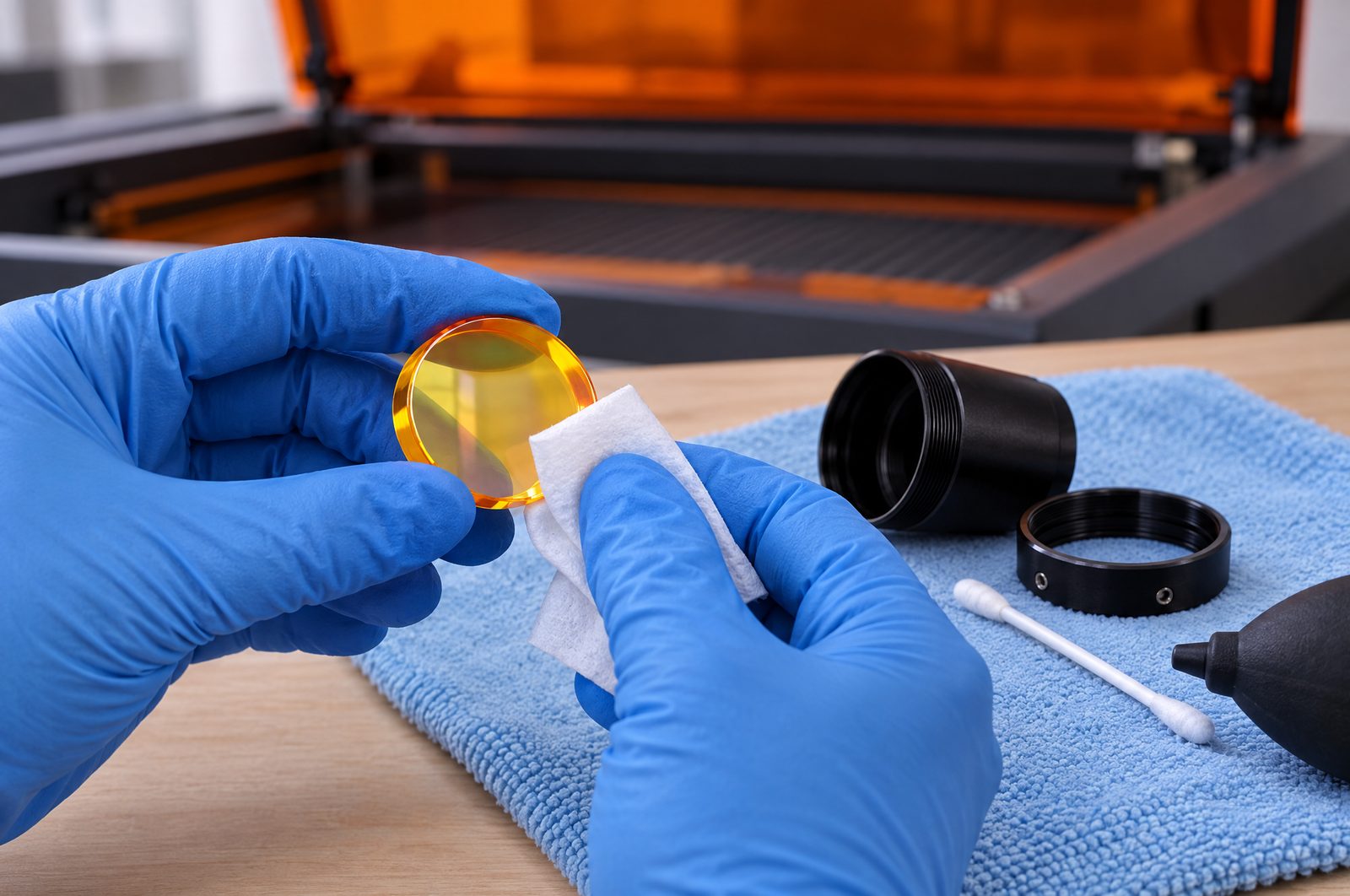
Dirty optics waste power, and Stanford's safety guidance lists uncleaned optics among fire-risk factors. The sources agree on "often" and disagree on the solvent.
| Source | Cleaner | Avoid | How often |
|---|---|---|---|
| OMTech | Isopropyl or denatured alcohol, 90 % or higher | Ammonia cleaners; acetone (damages the tube glue) | Mirror 3, focus lens and table daily; mirrors 1 and 2 weekly |
| Thunder Laser | Optical-grade cleaner for coated laser optics | IPA unless approved for the optic; glass cleaner, paper towels, compressed air | Daily at 8+ h a day; every 10–15 days at 1–3 h a day |
| xTool (P3) | High-concentration alcohol, IPA or an optical lens cleaner | – | Blow dust off first; wipe in a straight line, one direction |
Each maker writes about its own optics. When they conflict, the maker of your lens decides.
OMTech adds that mirrors cannot be repaired. Our reading: use what the maker of your optic approves. On the P3 that is xTool's list, alcohol included; with unknown coated optics, Thunder Laser's caution is the safer default.
What are the fire and fume rules for a CO2 laser?
- Never unattended. MIT, Stanford, Harvard, Glowforge and OMTech all say it in almost the same words.
- An extinguisher within reach. Stanford names ABC, carbon dioxide or Halotron types. Harvard says to shut off ventilation in a fire so it is not fed more oxygen. Glowforge's order is unplug, a wet towel, then the extinguisher.
- Know what your machine has. xTool says the P3 has a built-in flame sensor and fire-extinguishing module, but the gas cylinder is sold separately.
- Exhaust to the outside. Stanford requires a dedicated exhaust running before and throughout the job. xTool says the P3 has no built-in exhaust fan but ships with a SafetyPro IF2 2.0.
- Clean files. Toronto Metropolitan University's lab warns that duplicate lines are a fire hazard, and dense street networks are where they hide. Maps from the Laser Map Designer come as separate cut, engrave and water layers, so checking layer by layer is quick.
- Forbidden materials. Stanford bans PVC, PVB, PTFE, halogens, epoxy or phenolic resins and carbon fiber; Glowforge adds vinyl, ABS and HDPE.
Sources
Checked 24 September 2026. Every figure comes from a page we opened on that date. Manufacturer statements are claims, not independent tests; forum posts are reports from individual makers.
- xTool — xTool P3 FAQ (updated 19 Aug 2026); xTool P3 user manual (updated 23 May 2026)
- xTool — P3 high water temperature error (updated 4 Jan 2026); xTool P3 product page
- xTool — Acrylic and the blue diode laser (updated 20 Nov 2024); Laser cutting acrylic; 40 W module cutting tests (updated 21 Jul 2023); Is air assist worth it?
- OMTech — Mirror alignment (updated 29 May 2026); How to clean laser mirrors and focal lenses (updated 13 Nov 2025)
- OMTech — Installation guide (updated 8 Sep 2025); CO2 laser maintenance guide (8 Apr 2026); Install, replace and maintain CO2 tubes (26 Jun 2024)
- OMTech — DC glass vs RF metal laser tubes (updated 20 Apr 2026); Air assist upgrade (updated 12 Jul 2026); Fixing haze on acrylic (3 Sep 2025)
- Thunder Laser USA — Cooling temperature and freeze mitigation (Aug 2026); Laser water coolants and additives; Glass vs metal CO2 tubes (modified 3 Mar 2025); Understanding kerf and kerf offset
- Thunder Laser — Laser chiller maintenance guide (9 Sep 2024); CO2 lasers vs diode lasers (19 May 2026); Laser lens selection guide (24 Apr 2026)
- Thunder Laser — How to clean laser lens and mirrors (13 Aug 2026); Improve acrylic processing results (22 May 2026)
- Boss Laser — CO2 laser lens focal lengths (modified 28 Apr 2025); FSL — CO2 laser focus lens: what you need to know (12 Aug 2022)
- Tube-life guides — OneLaser, RF and CO2 laser maintenance (updated 13 Feb 2026); Mimowork, Extending glass tube life (1 Sep 2024); ThinkLaser, 5 glass CO2 laser tube tips (updated 16 Nov 2023)
- LightBurn documentation — Losing power at low speeds; Corner power; Material Test; Kerf offset test; Scanning offset; Overscanning
- Community — LightBurn forum, Is a ramp test required? (Jan 2023) and Scanning offset adjustment help (2021); Sawmill Creek, CW-5000 chiller thread (2 Jul 2017) and tube current thread (2013)
- Epilog — Laser cutting acrylic (modified 1 Jun 2026); Fusion material settings
- Trotec — Laser cutting acrylic; Flame-polished acrylic edges; Cleaning after laser engraving
- Harvard GSD Fab Lab — Laser cutter tutorials; Laser training checklist (updated 23 Oct 2024)
- Stanford EHS — Laser cutters safety guidance (rev. 26 Sep 2024); MIT EHS — Laser cutter safety
- Glowforge — Safety, Performance Series
- Toronto Metropolitan University — Laser Cutting Basics, Fall 2025; Purdue BIDC — Laser cutting troubleshooting FAQs