
A CO2 laser is the tool most makers end up buying once they outgrow a diode. It cuts every acrylic, including clear, cuts plywood faster and leaves cleaner edges. 2026 made it cheaper than ever: enclosed 50–65 W desktops now start at about $1,600. We compared 20 current machines and picked the ten worth your money.
Transparency: some links on this page are affiliate links. If you buy through them, Maperivo may earn a commission at no extra cost to you. Commissions never decide a ranking: machines without an affiliate program are judged on the same terms. In our own workshop we work on an xTool P3 and a Sculpfun S30 with a 33 W laser. Mentions of the Maperivo map generator are our own product.
Quick picks
- Best overall: xTool P2S ($2,999 / €2,999)
- Best value and easiest setup: Bambu Lab R1 ($2,499 / €2,499, shipping from October)
- Best for a small business: xTool P3 (80 W, 915×458 mm)
- Best budget with LightBurn: OMTech Polar Lite ($2,199.99)
- Biggest bed for the money: Monport Reno 65 (600×400 mm from $1,599.99)
How we chose
We started with 20 CO2 machines currently on sale from 12 brands and dropped the ones that are discontinued, too new to judge or poor value. For the rest we checked prices on official stores (24 September 2026), specifications on product pages and manuals, and independent reviews (Tom's Hardware, Machines for Makers, Hackster, HobbyLaserCutters, The Crafty Catsman). We weighed what matters when you cut layered maps and signs every day: bed size, passthrough, reliability, software and total cost. We have not lab-tested all ten machines; the xTool P3 is the one we work on in our own workshop. Where a machine is new and untested, we say so.
Comparison table
| # | Model | Best for | Power / tube | Bed | Camera · autofocus | LightBurn | US price | EU price |
|---|---|---|---|---|---|---|---|---|
| 1 | xTool P2S | Overall | 55 W glass | 600×305 mm | Dual 16 MP · LiDAR | Limited | $2,999 | €2,999 |
| 2 | Bambu Lab R1 | Value, easy setup | 55 W glass | 600×300 mm | Dual · yes | Not yet | $2,499 | €2,499 |
| 3 | xTool P3 (we use it) | Small business | 80 W | 915×458 mm | 4 cameras · LiDAR | No | $6,999 | €7,047 |
| 4 | OMTech Polar Lite | Budget + LightBurn | 55 W glass | 510×300 mm | 5 MP · yes | Yes | $2,199.99 | not in EU store |
| 5 | Monport Mega S | Bigger bed + LightBurn | 70 W glass | 700×350 mm | 8 MP · yes | Yes | $2,999.99 | €2,499.99 |
| 6 | Monport Reno 65 | Big bed, budget | 65 W glass | 600×400 mm | Vision only · semi-auto | Yes | from $1,599.99 | n/a |
| 7 | Gweike Cloud Pro II | All-in-one under $2k | 50 W glass | 510×300 mm | 5 MP · yes | Yes | $1,659 | n/a |
| 8 | OMTech Maker AF2028-80 | Large format, garage | 80–90 W glass | 500×700 mm | none · yes | Yes | $3,199.99 | n/a |
| 9 | FLUX beamo II | Small spaces | 30 W glass | 360×240 mm | 8 MP · yes | Yes | $1,490 | n/a |
| 10 | Thunder Laser Bolt | Pro RF, no water | 30/60 W RF | 508×305 mm | yes · yes | Included | $5,795 / $7,995 | dealers |
Prices on official stores, checked 24 September 2026; sales change weekly. EU prices include VAT. "n/a" = not sold in the brand's EU store at the time of checking.
The 10 best CO2 laser cutters, reviewed
xTool P2S (55 W)
55 W glass tube · 600×305 mm bed · dual 16 MP cameras · LiDAR autofocus · AutoPassthrough (up to ~3 m with conveyor rails) · Class 1 version available · $2,999 · €2,999
The most complete smart desktop CO2 you can buy. The cameras and autofocus make placement quick, the passthrough handles long signs and panels, and xTool's accessories and material presets are the largest in this class. It is the safe choice for a hobbyist or an Etsy-style seller who wants a polished workflow.
Pros
- Very polished camera and autofocus workflow
- Passthrough and conveyor for long material
- Big accessory and preset ecosystem; EU store
Cons
- LightBurn is limited and blocked on newer firmware
- Glass tube (xTool claims 6,000–8,000 h)
- Smaller bed than some LightBurn rivals
Bambu Lab R1 (55 W)
55 W glass tube, closed water loop · 600×300 mm (up to 3,000 mm long with conveyor) · dual cameras · automatic mirror alignment · built-in air assist · Class 1 standalone · $2,499 · €2,499 · pre-order, shipping from October 2026
Bambu Lab's first laser costs $500 less than the P2S and removes the most-hated CO2 chore, mirror alignment. Tom's Hardware gave it an Editor's Choice. Bambu quotes 15 mm walnut plywood and 20 mm acrylic with the standard lens. It is a great fit if you already own a Bambu 3D printer or want the easiest start in CO2.
Pros
- Automatic mirror alignment
- Strong price for the features
- Well-sealed enclosure
Cons
- New machine: long-term reliability unknown
- Bambu Suite only; LightBurn announced without a date
- Loud fans; Class 4 with riser or conveyor
xTool P3 (80 W)
80 W CO2 · 915×458 mm bed · AutoLift (220 mm Z) · 4 cameras · LiDAR autofocus · built-in inverter chiller · 8 flame sensors, CO2 fire suppression ready · Class 1 · 105 kg · $6,999 (about $6,299 in the anniversary sale until 4 Oct 2026) · €7,047
A production desktop that works like a small-shop machine. The large bed, 80 W and built-in chiller turn out batches of signs and full-size maps, and Tom's Hardware cut 25 mm acrylic in one pass. It won an Editor's Choice. It is heavy: Tom's Hardware needed four people to unpack it. It is also the laser we cut our own layered maps on.
Pros
- Big bed and 80 W in an enclosed Class 1 box
- Excellent fire safety
- Built-in chiller, no extra unit
Cons
- No LightBurn (xTool Studio only)
- 105 kg; accessories cost extra
- Big price step from 55 W machines
OMTech Polar Lite (55 W)
55 W glass tube · 510×300 mm · 5 MP camera · one-click autofocus · front and rear slots · built-in water tank, air pump and exhaust · RDWorks included, LightBurn compatible · 2-year warranty · $2,199.99 (LightBurn bundle $2,399.99)
An enclosed all-in-one CO2 with an open Ruida-style workflow. If you already use LightBurn, or want to keep your software options open, this is the cheapest polished way into CO2.
Pros
- LightBurn works fully
- Everything built in
- 2-year warranty
Cons
- 500 mm/s and a small bed
- Low-resolution camera
- Not sold in OMTech's EU store
Monport Mega S (70 W)
70 W glass tube · 700×350 mm · 8 MP camera · smart autofocus · conveyor option ($899.99) · built-in water cooling · LightBurn + Monport software · $2,999.99 · €2,499.99 (German store sale)
A camera-equipped box like the P2S, but with more power, a wider bed and full LightBurn support. It is also one of the few machines here with a strong EU price.
Pros
- 70 W and 700×350 mm for the money
- LightBurn workflow
- Good EU price
Cons
- Few independent 2026 reviews yet
- Laser class depends on configuration
Monport Reno 65 (Basic / Pro / Vision)
65 W glass tube · 600×400 mm · front passthrough · built-in 3 L water tank · semi-automatic focus · camera on Vision only · LightBurn · $1,599.99 / $2,249.99 / $2,749.99
600×400 mm for about $1,600 is rare. A 40×50 cm map just fits in one piece. You give up full autofocus and, on the cheaper trims, the camera.
Pros
- Big bed for the price
- LightBurn and a front passthrough
- Also sold on Amazon
Cons
- Semi-auto focus; camera only on Vision
- 6-month tube warranty
- Users report pauses before jobs start
Gweike Cloud Pro II (50 W)
50 W glass tube · 510×300 mm · built-in water chiller, air compressor and exhaust · Class 1 · 5 MP camera · autofocus · rotary included · LightBurn + Gweike software · $1,659
The cheapest true all-in-one in this list, with a rotary included in the box. Check support in your country before buying: we found no fresh 2026 hands-on review, and it is not listed in Gweike's EU store.
Pros
- Built-in chiller and compressor
- Rotary included
- LightBurn
Cons
- Small bed
- No recent independent review
- US store only
OMTech Maker AF2028-80 ("90 W")
80–90 W glass tube · 500×700 mm · four-way passthrough · autofocus · Ruida controller (LightBurn, RDWorks) · no camera · 212 kg · $3,199.99 (without autofocus from $2,599.99)
Bed size and power at a third of the price of pro RF machines. This is a workshop tool: it needs a separate chiller or water setup, ducting and a sturdy floor.
Pros
- 500×700 mm with passthrough
- LightBurn via Ruida
- Price per mm² of bed
Cons
- No camera; not an apartment machine
- Needs a chiller and venting
- "90 W" is marketing; the model code (-80) points to an 80 W tube
FLUX beamo II (30 W)
30 W glass tube · 360×240 mm · 23 kg · Class 1 · 8 MP camera · built-in autofocus · Auto Feeder option (up to 1,000 mm) · Beam Studio + LightBurn · $1,490
A compact CO2 that fits on a desk. It cuts thin wood and acrylic cleanly (acrylic up to about 7 mm), which makes it a good match for small products, ornaments and acrylic parts.
Pros
- Small and light
- Class 1, camera and autofocus
- LightBurn and Beam Studio
Cons
- 30 W and a small bed
- Not for big maps or thick stock
Thunder Laser Bolt (30 W / 60 W RF)
RF metal tube, air-cooled · 508×305 mm · LightBurn included · US-based support · $5,795 (30 W) / $7,995 (60 W) · large-format sibling: Nova Plus 35 (900×600 mm) from $11,000
If you engrave all day, an RF tube pays back with speed, crisp detail and a long life, and there is no water loop to maintain. Machines for Makers rates the Bolt 9/10. Thunder Laser has no affiliate program: it is here on merit only.
Pros
- RF tube: long life, fast engraving
- LightBurn included
- Proven pro support
Cons
- High price for the bed size
- No full passthrough on the Bolt
CO2 lasers by budget
- Under $2,000: OMTech K40+ ($599.99, for tinkerers), Monport Reno 45 (from $1,149.99), FLUX beamo II ($1,490), Monport Reno 65 Basic ($1,599.99), Gweike Cloud Pro II ($1,659).
- $2,000–4,000: OMTech Polar Lite ($2,199.99), Bambu Lab R1 ($2,499), xTool P2S ($2,999), Monport Mega S ($2,999.99), OMTech Maker AF2028-80 ($3,199.99), FLUX Beambox II ($3,290), OMTech Polar 2 glass ($3,699.99).
- $4,000–8,000: FLUX HEXA RF 30 W ($4,490), OMTech Polar 2 RF ($4,999.99), AEON Mira 5S RF ($4,999), Thunder Bolt ($5,795 / $7,995), xTool P3 ($6,999).
- $8,000 and up: Thunder Nova Plus 24 and 35, Epilog Fusion Ascent (from $9,495), AEON Mira 7S, Trotec (quote only).
Buying guide: what matters in a CO2 laser
1. Power: 40, 55 or 80 W?
40–45 W handles 3–5 mm material every day. 55 W is the 2026 sweet spot: 3–6 mm plywood and acrylic in one clean pass, with enough headroom for speed. 80 W+ pays off when you cut thicker stock or big batches. More watts mostly buy speed, not the ability to cut 3 mm plywood.
2. Glass or RF tube?
Glass (DC) tubes are cheap and water-cooled. Independent sources quote 1,500–4,500 hours of life (some brands claim 6,000–10,000). RF metal tubes are air-cooled at low and mid power, last 10,000–50,000 hours and engrave faster and crisper, but they cost several times more. For most hobby and small-business buyers, glass is the right choice.
3. Bed size and passthrough
| Map or sign size | Minimum bed | Machines in this list that fit it in one piece |
|---|---|---|
| 20×20 cm | 250×250 mm | All ten |
| 30×40 cm | 400×300 mm | P2S, R1, P3, Polar Lite, Mega S, Reno 65, Cloud Pro II, AF2028, Bolt (tight fit on 300 mm beds) |
| 40×50 cm | 500×400 mm | xTool P3, Monport Reno 65, OMTech AF2028-80 (and the Thunder Nova Plus 35) |
| Longer than the bed | Passthrough or conveyor | xTool P2S, Bambu Lab R1 (with conveyor), OMTech Polar Lite (slots), Monport Reno 65 and Mega S, AF2028-80 |
4. Cooling
Glass tubes need flowing water. Most 2026 desktops have a closed loop built in (Bambu Lab R1, OMTech Polar Lite, Monport Mega S), and the xTool P3 and Gweike Cloud Pro II even have a real chiller. Bigger open machines use an external chiller such as the CW-5000 (for DC tubes up to 120 W). Keep water-cooled machines above freezing.
5. Enclosure and laser class
A Class 1 enclosure keeps the beam inside and is what you want in a home. Adding a riser, conveyor or open passthrough often turns a machine into Class 4. The manual tells you which.
6. Camera and autofocus
A good camera lets you drop a design onto an offcut in seconds, and autofocus saves time on mixed materials. Both are standard on the P2S, R1, P3 and Mega S. On budget machines they are basic or optional.
7. Software and LightBurn
If you already use LightBurn, look at OMTech, Monport, Gweike, FLUX or Thunder. On xTool, recent firmware blocks LightBurn, and the P3 never supported it. The Bambu Lab R1 runs on Bambu Suite for now.
8. Ventilation
Every CO2 laser needs its fumes vented outside or cleaned by a filter unit with HEPA and activated carbon. Include it in the budget, and never cut PVC or vinyl.
9. Buying in Europe
Buy from an EU store where possible: no customs, simpler warranty and a European plug. xTool, Bambu Lab and Monport have EU stores. Several US-only models in this list may need a local dealer, so check support before you order.
Also considered
- Glowforge Plus HD / Pro HD ($6,999 / $7,999): the easiest onboarding, but cloud-only (internet needed for every job), low power for the price and no rotary. The company went through a restructuring in November 2025. Glowforge's cheaper Plus and Pro listings ($2,249 / $2,999) still make sense for classrooms already using Glowforge.
- OMTech Polar 2 and FLUX HEXA RF: strong specs (RF tube, 710–730 mm beds), but launched in 2026 with no independent reviews yet. We will add them once tested.
- xTool X1: a CO2 plus diode platform with swappable fiber, MOPA and UV modules, announced for October 2026 without a price.
- Epilog Fusion Ascent (from $9,495) and Trotec: the industrial class, with air-cooled metal/ceramic CO2 sources and dealer service. Excellent, but outside most small-business budgets.
- OMTech K40+ ($599.99): the cheapest CO2, but a tinkerer's machine with a small bed and basic cooling.
Best CO2 laser for layered maps
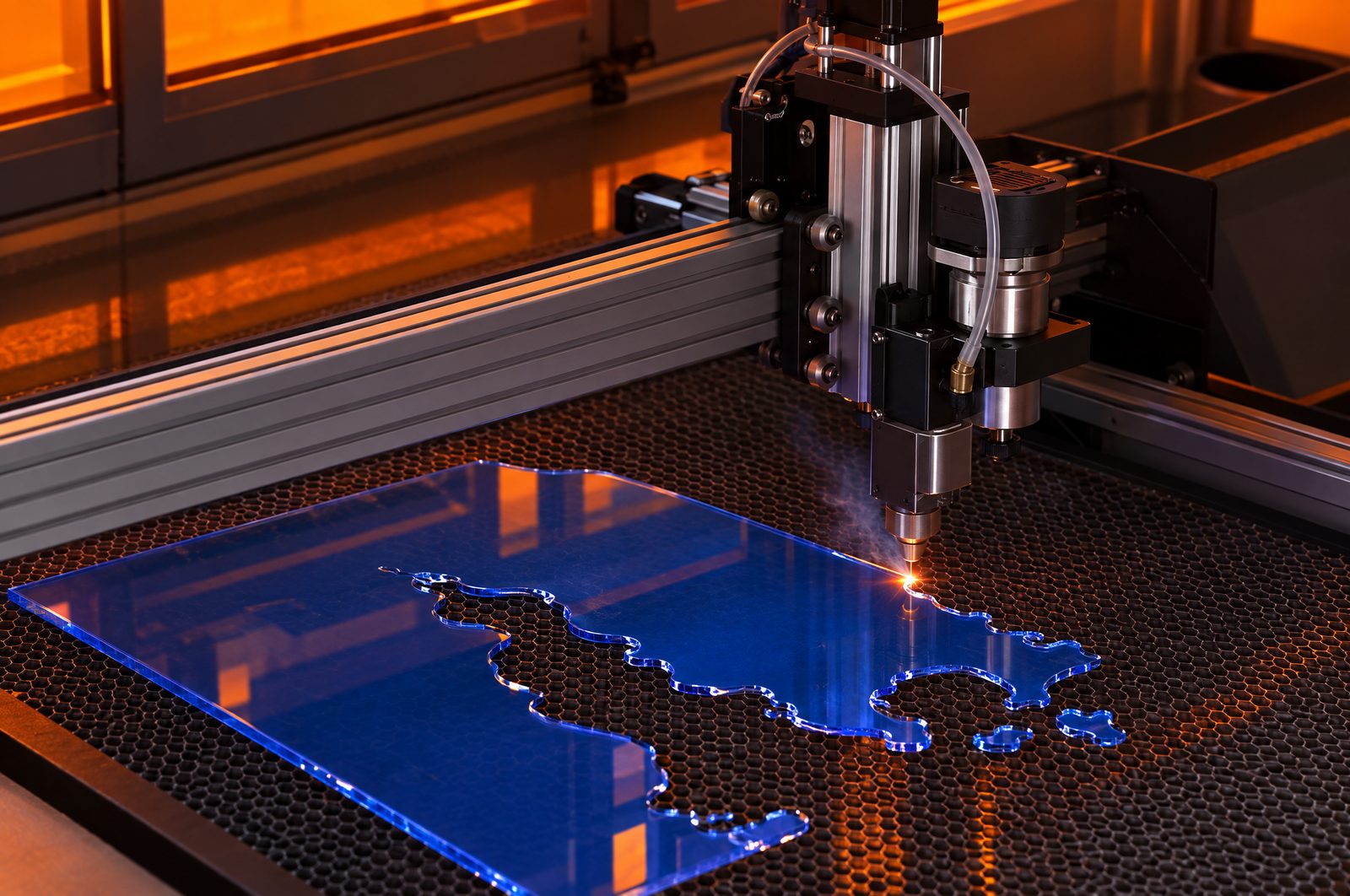
For maps up to 30×40 cm, a 55 W desktop (xTool P2S or Bambu Lab R1) is the easiest and fastest route. For 40×50 cm and bigger frames, pick a bed of at least 500×400 mm (xTool P3, Monport Reno 65, OMTech AF2028-80). We cut our own maps on an xTool P3: its 915×458 mm bed takes a 40×50 cm map in one piece. CO2 also cuts the clear or blue acrylic water layers that diodes cannot. Start from a clean layered file: the Maperivo map generator exports separate CUT, ENGRAVE and WATER layers, and our LightBurn settings for maps cover the power and speed side. Not sure CO2 is the right technology? Read which laser engraver to buy in 2026.
Sources and method
- Official stores and product pages (prices checked 24 September 2026): xTool (US, EU, DE), Bambu Lab, OMTech (US, DE), Monport (US, DE), Gweike, FLUX, Thunder Laser USA, AEON, Glowforge, Epilog, Boss Laser, Full Spectrum
- Bambu Lab / PR Newswire: R1 launch (22 Sep 2026)
- Tom's Hardware: Bambu Lab R1 review, xTool P3 review, best laser cutters 2026 (updated 8 Sep 2026)
- Hackster.io and FauxHammer: Bambu Lab R1 reviews
- Machines for Makers: Thunder Bolt, Nova Plus 35, Glowforge Pro HD, Monport Reno 65
- LaserBurnAI: OMTech Polar review; The Crafty Catsman: 2026 comparisons
- LightBurn documentation: device-specific troubleshooting (29 Jun 2026); xTool P3 FAQ
- GeekWire: Glowforge restructuring (Nov 2025)